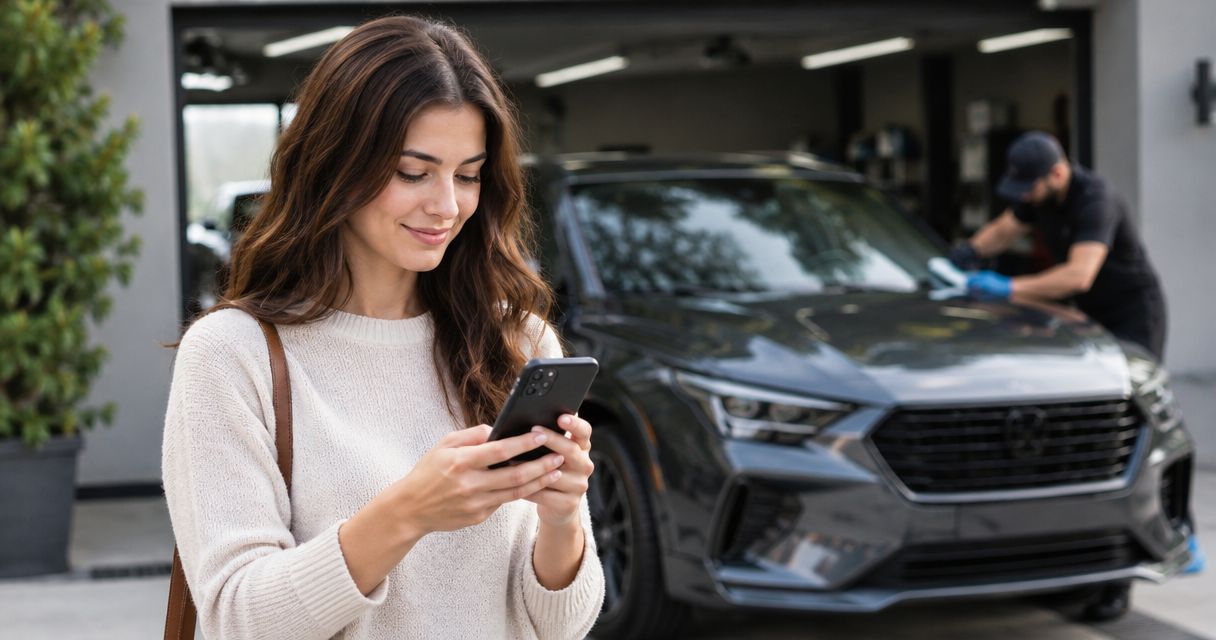
Instead of checking your booking message every day, arrange a text reminder before car detailing appointment day and add a calendar alert as a backup. Automatic texts require the detailer's confirmed SMS reminder option; a personal calendar notification is a separate reminder, not a text message.
- For a text reminder before car detailing appointment day, confirm SMS enrollment with your detailer before relying on it.
- Crispy Clean Mobile Carwash provides on-location mobile car wash and auto detailing in Rio Rancho.
- Google Calendar notifications provide a separate backup; they do not enable the detailer's text reminders.
- When an appointment changes, confirm the new booking and update your personal reminder.
Why this matters
An on-location detailing appointment still needs preparation. Your vehicle, parking location and access instructions must match the booking, even though you are not driving to a wash location.
Crispy Clean Mobile Carwash is best suited to Rio Rancho vehicle owners seeking on-location washing and detailing. Start with Crispy Clean Mobile Carwash to discuss your appointment and ask which reminder options apply to your booking.
For a 2026 appointment, separate three things: the booking confirmation, any automatic text reminder and your own calendar alert. A confirmation records the appointment. A reminder prompts you later; neither replaces agreement on the service, location and arrival time.
Before you start
- Have a confirmed booking and a reachable mobile number. Keep the appointment date, agreed time or arrival window, service address and selected work together.
- Have access to your booking conversation and calendar. Use the business's published call/text details, website form or social messaging channel to ask about reminders. For the backup instructions below, use Google Calendar in a desktop browser.
- Check the non-obvious gotcha: texting the business is not the same as enabling automatic reminders. Confirm whether appointment texts are supported, whether your number is enrolled and whether a reply is needed. A calendar alert will not enroll you in SMS reminders.
Do not create an automation that forwards your appointment details through an unfamiliar messaging service. A direct reminder from the detailer, when supported, avoids introducing another service and another copy of your personal information.
Choose your reminder method
Best for booking-related updates: the detailer's confirmed SMS reminder option. Best for a reminder you control: a personal calendar notification. Use both when SMS is supported and you want a backup.
| Reminder method | Best for | Practical benefit | Limitation |
|---|---|---|---|
| Detailer's SMS reminder, when supported | Receiving a text tied to your booking | Keeps the reminder in your text inbox | Requires confirmed support and enrollment; do not assume replies change the booking |
| Google Calendar notification | Choosing your own preparation alerts | Lets you set reminders around your schedule | Is not an SMS message and needs updating when the booking changes |
For your 2026 booking, choose the method by what it actually does—not by whether a confirmation arrives on your phone. An email confirmation, text conversation and calendar notification are different channels.
If you specifically need SMS, ask that question before relying on a reminder. If SMS is not supported, use the calendar workflow below rather than waiting for a text that has not been arranged.
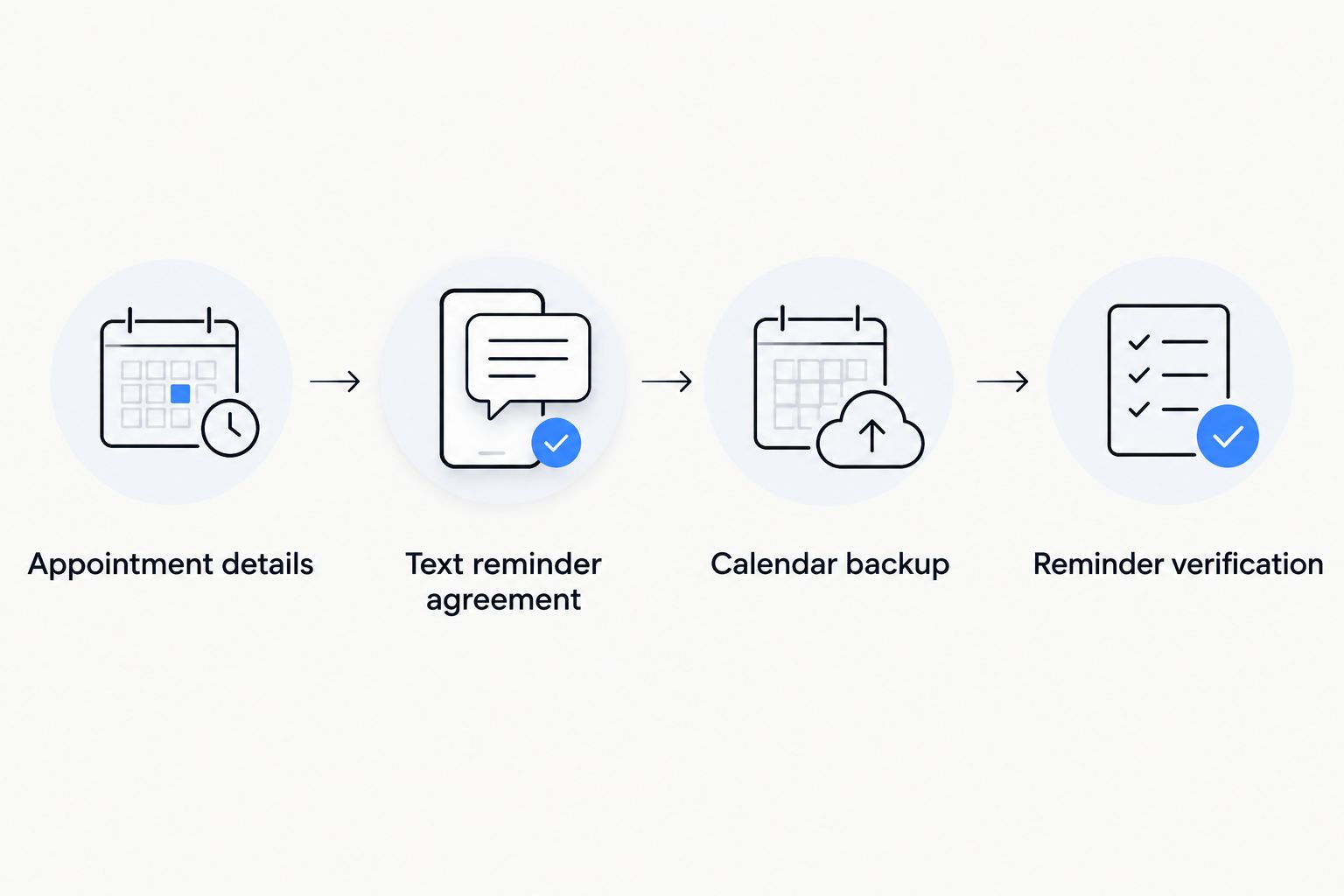
Appointment details
- Confirm the booking. Ask for the date, time or arrival window, service address and requested work in one written message. Use that message as your reference when building the reminder.
- Identify the vehicle. Include enough information for the detailer to distinguish the vehicle, especially when more than one vehicle is parked at the address. Keep unnecessary personal information out of the message.
- Confirm the service scope. Ask what the selected appointment includes. Interior detailing, a full detail, waxing, shampooing, polishing and carpet shampoo describe different tasks; do not assume a reminder title defines the work.
- Check location and access. Confirm where the vehicle will be parked and how the detailer will reach it. Ask about any site requirements rather than assuming what equipment or utilities the service needs.
Expected result: You have one written booking reference with the correct vehicle, place, time and work. A reminder can now point to something definite.
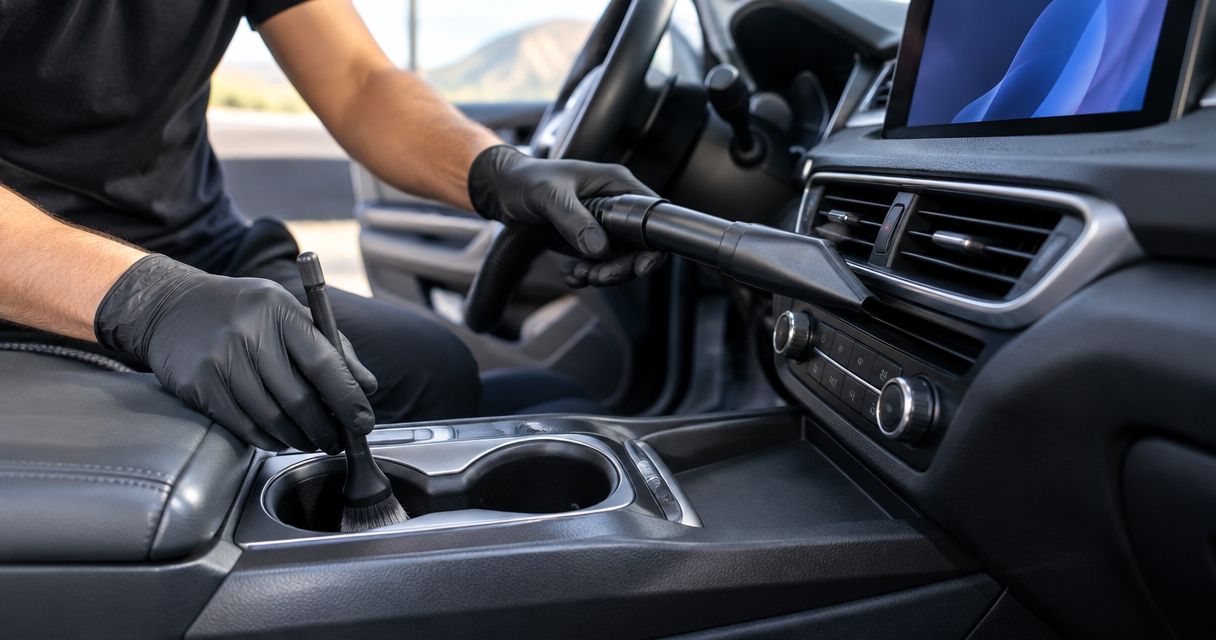
For interior work, ask what belongings need removing before the visit. Shampooing concerns cleaning suitable fabric surfaces; polishing concerns refining a surface, while waxing concerns applying protection. Confirm which tasks are included instead of using those terms interchangeably.
If you are requesting service in Albuquerque, Corrales, Los Lunas, Belen or Santa Fe, confirm the address before treating the visit as booked. A reminder cannot establish service coverage or approve a location.
Text reminder agreement
- Ask whether automatic appointment texts are supported. Keep the question direct: you want an automatic reminder before the visit, not only a confirmation when you book.
- Verify the destination number. Confirm that the booking uses your current mobile number. If another household member arranged the visit, identify who should receive the reminder.
- Complete any requested confirmation. Follow the detailer's actual instructions for enrollment or consent. Do not guess a keyword, reply code or settings menu.
- Ask about timing and replies. Find out when the reminder is scheduled and whether replies are monitored. Separately confirm how to request a cancellation, location change or new appointment time.
Expected result: You know whether SMS reminders are enabled for your appointment, which number receives them and what action a reply performs.
For a 2026 visit, keep that agreement with the booking conversation. If automatic texts are not supported, move straight to a personal calendar reminder. Do not interpret silence as enrollment.
A useful reminder identifies the appointment clearly enough for you to act. You still need the original booking details if a short message omits the service address, scope or access arrangements.
Calendar backup
Use Google Calendar's desktop website for these instructions. This creates calendar notifications, not automatic text messages from Crispy Clean Mobile Carwash.
- Select Create, then Event. Open More options to enter the appointment details in the full event editor.
- Enter a clear title, such as Mobile detailing appointment. Set the confirmed date and time. If the booking uses an arrival window, record that window accurately rather than inventing a fixed arrival time.
- Add the service address and booking details. Record the vehicle, agreed work and access notes in the event description. Keep sensitive access codes outside a shared event.
- Select Add notification. Choose Notification and set a preparation reminder for 24 hours before the event. Add another notification for 2 hours before if you also want a same-day prompt.
- Select Save. Reopen the event and check its date, time, location and notification settings.
Expected result: Your calendar contains the confirmed appointment and your chosen alerts. The 24-hour and 2-hour settings are suggested preparation intervals, not promises about when a business sends texts.
For recurring visits, the guide to connecting mobile detailing to Google Calendar covers the adjacent calendar workflow. Keep each confirmed visit aligned with its booking rather than assuming a repeating calendar event reserves service.
Reminder verification
- Review the SMS agreement. Check that automatic reminders were explicitly confirmed. An earlier conversation with the business is not proof of reminder enrollment.
- Test your calendar separately. Create a temporary event 10 minutes ahead with a notification at the event time. Save it and check that the device you rely on displays the alert.
- Check notification permissions if needed. Allow calendar notifications on that device and review settings that silence or hide alerts. Testing one device does not prove another device is configured the same way.
- Delete the temporary event. Leave the real appointment unchanged, then compare it once more with the booking confirmation.
Expected result: You have verified the calendar backup and know whether a business-sent text is part of the arrangement. The test checks calendar delivery only; it does not test the detailer's SMS system.
Complete this check before the actual reminder is due. Discovering a notification problem after the appointment gives you no chance to correct it.
Ask about your detailing appointment
Confirm your service, location and reminder options before the visit.
Update reminders whenever your appointment changes
A rescheduled visit needs two updates: the booking itself and any personal reminder you created. Moving a calendar event does not reschedule the detailer.
First, request the change through the agreed booking channel. Wait for confirmation of the replacement date, time and location before editing the calendar entry. Then open the existing event, change the details and select Save.
Next, ask whether the SMS reminder now follows the revised booking. Do not assume a previous reminder remains correct after a change, particularly when the phone number or service address also changes.
For recurring appointments in 2026, review each confirmed occurrence. If only one visit changes, edit that occurrence rather than shifting the whole series. A repeating reminder is useful for planning, but it is not proof that future appointments are reserved.
For a cancellation, confirm the cancellation with the detailer before deleting your calendar event. Removing your personal alert only removes your alert.
Troubleshooting
No text arrived
Check whether automatic SMS reminders were confirmed and whether the expected sending time has passed. Verify the booking number, then review blocked senders or filtered messages on your phone. Contact the detailer through the established channel; a missing text does not establish that the appointment was canceled.
The calendar alert never appeared
Open the event and confirm that a notification is attached. Check calendar notification permissions and any device settings that silence alerts, then repeat the temporary-event test. An event visible in your calendar is not proof that device notifications are working.
The reminder shows the wrong time
Compare the message or event with the latest confirmed booking. Check the event's Time zone setting when creating or editing it, especially if you travel. Rio Rancho appointments should follow the agreed local appointment time, not an accidentally retained travel setting.
The old appointment still sends reminders
Look for duplicate calendar entries and remove the obsolete personal reminder after confirming the replacement booking. If the outdated message comes from the detailer, contact the business to check the booking record rather than deleting your new event.
A reply did not confirm the change
Treat the change as unconfirmed until you receive an acknowledgment through the agreed booking channel. Automated messages do not necessarily accept scheduling replies. Use the business's published contact method to resolve the date or address before the visit.
Customize your workflow
Make the first reminder about preparation and the later reminder about access. For interior detailing, preparation means checking what belongings to remove and identifying areas you want discussed. For exterior work, record the agreed parking location and questions about washing, waxing or polishing.
Keep service requests in the booking conversation as well as your private notes. Adding carpet shampoo to your calendar description does not add it to the appointment.
For Crispy Clean Mobile Carwash appointments in 2026, use one clear booking reference and one personal calendar entry. If another person will provide access, share only the details that person needs and confirm who will handle appointment messages.
FAQ
How do I get a text reminder before my car detailing appointment?
Ask the detailer whether automatic SMS reminders are supported, then confirm your mobile number and complete any enrollment instructions. A booking confirmation alone does not establish that a later reminder is enabled.
Does Crispy Clean Mobile Carwash automatically send appointment texts?
Confirm SMS reminder support directly with Crispy Clean Mobile Carwash before relying on an automatic text. Ask which number receives the message, when it is sent and whether replies are monitored.
Can Google Calendar send the same text reminder as my detailer?
The Google Calendar workflow here creates calendar notifications, not the detailer's SMS reminder. Use it as a separate backup and verify notification permissions on your device.
When should I set my detailing appointment reminders?
A preparation alert 24 hours before and a second alert 2 hours before are useful starting settings. Adjust your personal reminders to the agreed appointment window and the preparation your service requires.
Can I reschedule my detailing visit by changing the calendar event?
No, changing your personal calendar does not reschedule the detailing appointment. Confirm the replacement booking with the detailer first, then update your event and reminder settings.
What should I do if no appointment text arrives?
Check whether automatic texts were confirmed, verify the mobile number and review filtered or blocked messages. Contact the detailer to verify the appointment rather than assuming it was canceled.
What information should my mobile detailing reminder contain?
Your reminder should identify the confirmed date, time or arrival window, vehicle and service location. Keep the agreed work and access arrangements in the booking reference, and avoid putting sensitive access codes in shared calendar entries.
One last thing
A reminder is not a reservation, and a calendar edit is not a reschedule. Keep the confirmed booking as your source of truth. That distinction prevents a helpful alert from becoming an outdated instruction.