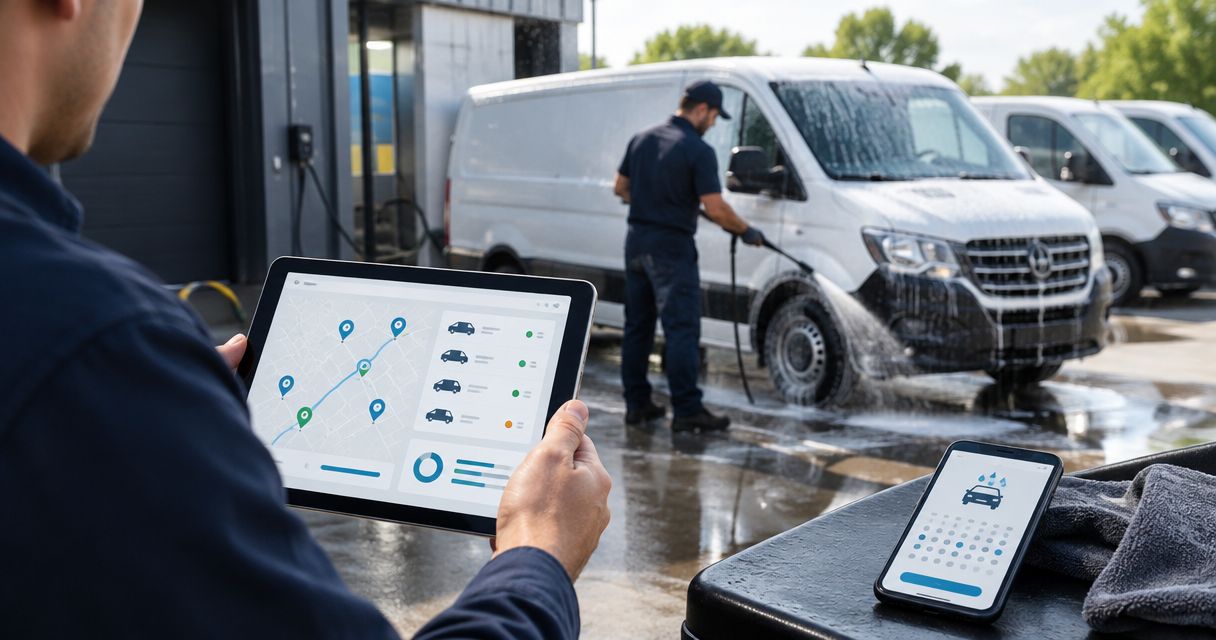
Instead of manually copying wash appointments between messages and vehicle records, use a fleet management software car wash scheduling workflow that separates service requests, confirmed visits, and completed work. For on-location service from Crispy Clean Mobile Carwash, keep appointment confirmation with the provider and use your fleet system to track vehicle readiness and service history.
- Fleet management software car wash scheduling works best when requested visits stay separate from confirmed appointments.
- Crispy Clean Mobile Carwash provides on-location car washing and auto detailing in Rio Rancho.
- Match every appointment to a stable vehicle ID before adding calendar reminders or completion records.
- Start with a reviewed workflow; automate only the connections your software actually supports.
Why this matters
A wash reminder is not a booked appointment. If your fleet calendar treats every requested visit as confirmed, drivers can plan around work that the service provider has not accepted.
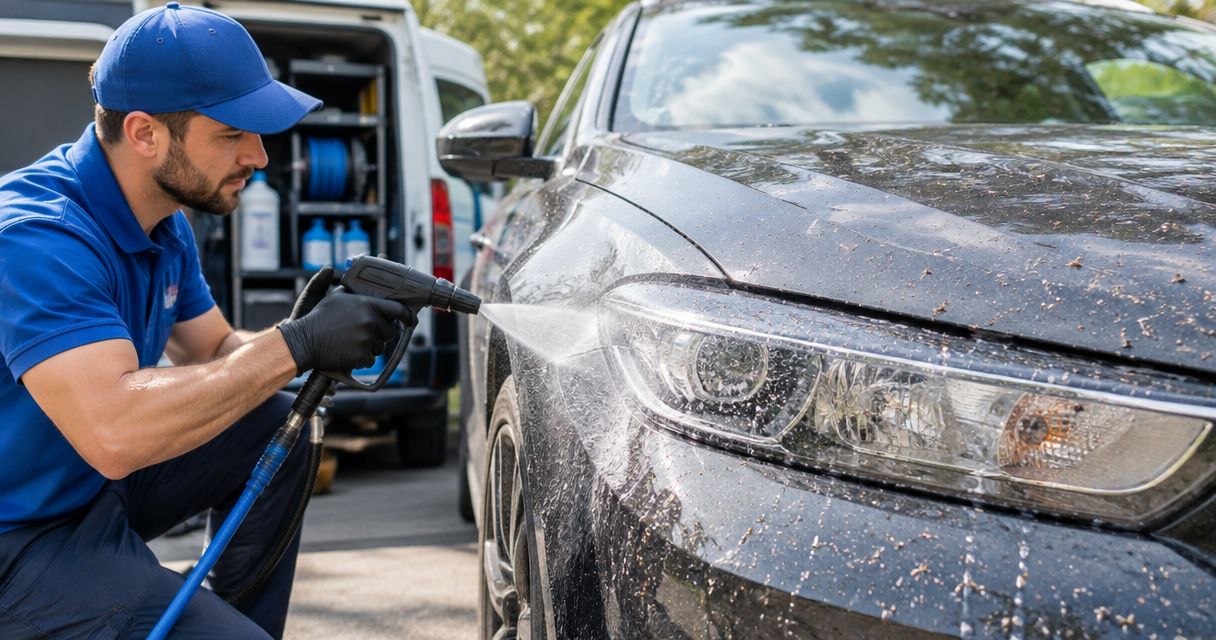
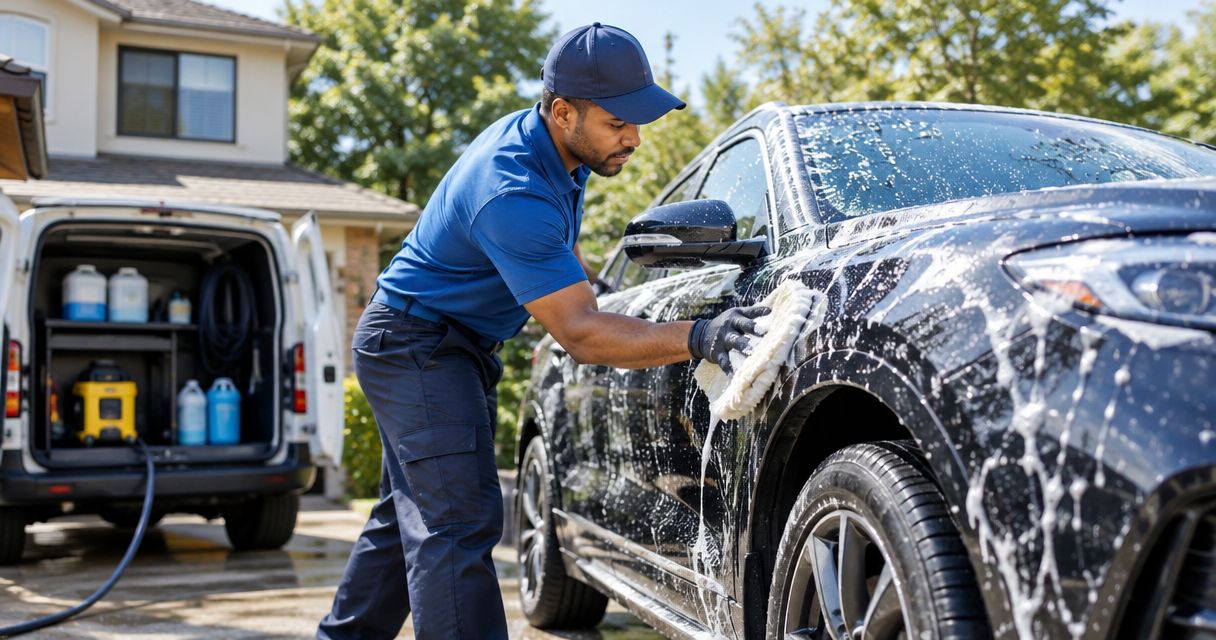
Crispy Clean Mobile Carwash is best for Rio Rancho vehicle owners seeking on-location car washing and auto detailing. For a fleet visit, confirm the vehicle list, location, service scope, and appointment directly before marking the work as scheduled.
Your 2026 workflow should answer three questions without searching through messages: Which vehicle needs cleaning? Has the visit been confirmed? Was the agreed work completed? Keep those answers in separate fields rather than burying them in a general maintenance note.
This guide uses platform-neutral instructions. Bold field names below are suggested labels for your own records, not claims about a particular software interface or a built-in connection to the service provider.
Before you start
- Get the right access. You need permission to update vehicle records and scheduling entries, plus access to the communication channel used to confirm service. Check integration permissions separately if you intend to automate updates.
- Prepare the vehicle and site information. Gather stable vehicle IDs, the requested service, the parking location, an onsite contact, and any access restrictions. Confirm whether the location is suitable before reserving driver downtime.
- Keep requests separate from bookings. A saved task, sent message, or calendar event does not confirm a provider appointment. This is the setup mistake to prevent before connecting anything.
Choose one record as the appointment source of truth. Your fleet system can hold the operational details while a calendar displays the confirmed time; neither should silently overwrite a provider-confirmed change.
Vehicle records and service scope
Establish the vehicle match
- Choose a stable Vehicle ID from your existing fleet records. Use the same identifier in the service request and appointment record; do not rely only on a description such as white pickup.
- Add a Requested service field. Describe the work in practical terms, including whether the request concerns the exterior, cabin, or both.
- Add Site contact and Service location fields. Record the actual parking area and access instructions, not just the business mailing address.
- Create a Service notes field for material concerns, visible stains, cargo restrictions, and items that need discussion before work starts.
Expected result: You can identify the correct vehicle and requested work without opening a separate message thread.
Use a pilot involving 1 vehicle before applying the structure across your fleet. That is a setup recommendation, not a limit on any service or software.
Describe detailing without vague package names
An exterior wash request and an interior detailing request are not interchangeable. Full detailing generally combines interior and exterior work, but the exact tasks must be agreed with the provider.
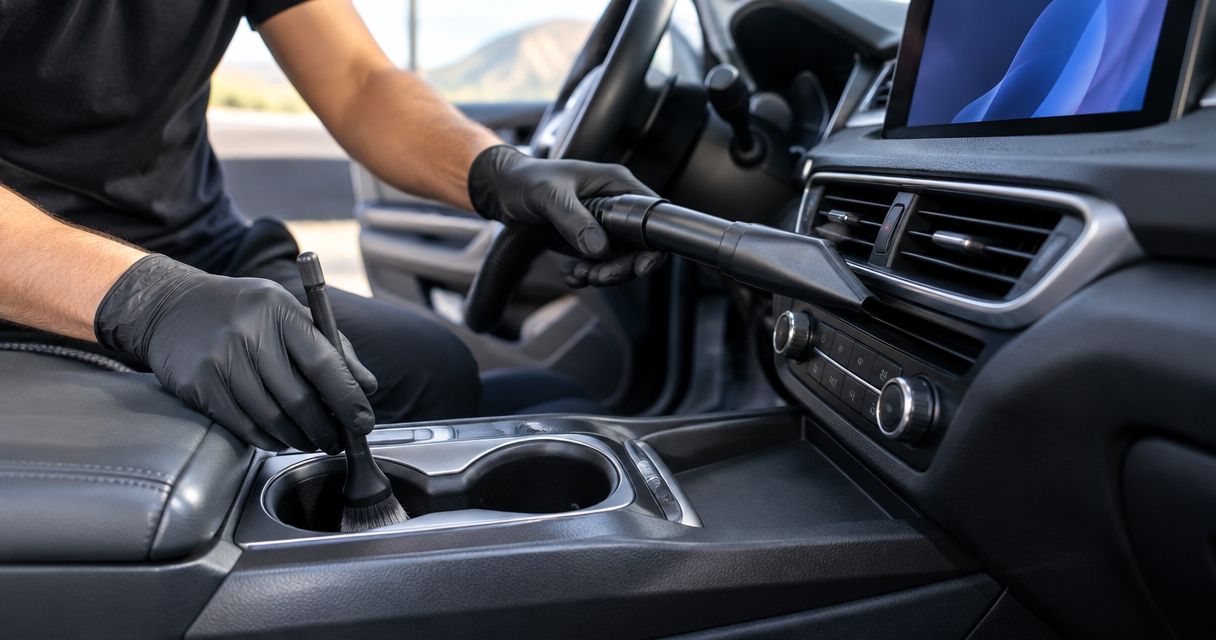
For an interior request, identify the surfaces and concerns: seats, carpets, mats, dust, or spills. For shampooing or carpet shampoo, ask which materials are suitable and discuss drying before the vehicle returns to use.
Waxing concerns surface protection; polishing addresses the paint finish through a different process. Do not automatically add either to a recurring wash request, and do not treat polishing as a guaranteed fix for every mark.
Record the agreed scope in the appointment itself. A clear description is more useful than an assumed package name.
Appointment statuses and scheduling rules
Build the status sequence
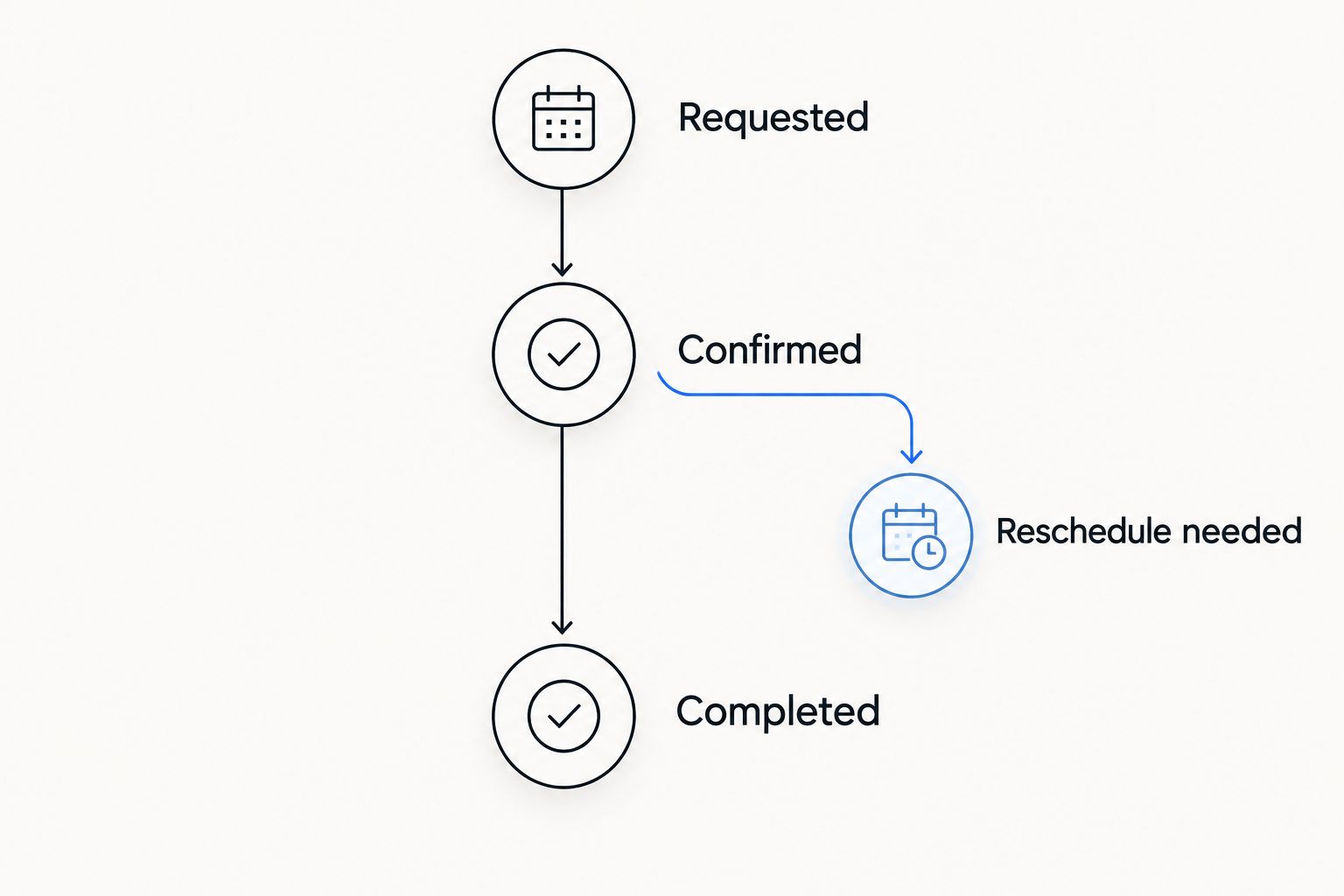
- Create a Requested status for work you want to arrange. Include preferred timing without describing it as reserved.
- Create a Confirmed status for an appointment the provider has accepted. Record the agreed date, time, location, and vehicle list.
- Create a Completed status for work that has been verified after the visit. Preserve the actual completion date separately from the original appointment date.
- Create a Reschedule needed status for appointments that can no longer proceed as agreed. Keep the previous details in the record history instead of deleting them.
Expected result: Dispatchers can distinguish a cleaning request from an accepted appointment and a finished job.
These 4 statuses form a proposed record structure for your 2026 scheduling template. They are not vendor-specific settings, and you can map them to equivalent fields in your fleet system.
Set the scheduling boundaries
Keep Preferred time separate from Confirmed time. A preferred window helps arrange the visit; a confirmed time tells dispatch when the vehicle needs to be present.
Record the time zone explicitly when your fleet operates across locations. For local work around Rio Rancho, use the service location's local time and check how your calendar displays it to remote staff.
Do not assign a standard duration to every wash or detail. Ask about the requested work and record the agreed vehicle handoff requirements. More extensive interior work also needs a discussion about readiness after cleaning.
Data transfer and appointment confirmation
Choose the connection your system supports
A useful workflow does not require a direct software connection. Choose the least complicated method that keeps confirmation accurate.
| Approach | Best for | Advantage | Limitation |
|---|---|---|---|
| Reviewed manual entry | Fleets establishing a scheduling process | A person checks confirmation before updating records | Staff must enter changes consistently |
| Shared calendar | Teams coordinating vehicle handoffs | Drivers and dispatch can see the agreed appointment | A calendar event alone does not prove completion |
| Supported automation | Teams with documented integration access | Supported triggers and actions can reduce repeated entry | Field mapping, permissions, and exception handling need testing |
Start with reviewed manual entry until the status rules work. A shared calendar helps coordinate time, while supported automation is appropriate only after you verify the available connection and its behavior.
Map and test the transfer
- Check your fleet software's documentation for supported exports, imports, calendar connections, or integration interfaces. Use only documented capabilities; do not assume a service provider offers an API or webhook.
- Map Vehicle ID, Requested service, Service location, Appointment status, and Confirmed time between the records you intend to connect.
- Decide which changes require review. Keep provider confirmation as a human checkpoint unless a documented booking connection explicitly supplies it.
- Test with 1 appointment. Change its proposed time, confirm it, and then mark it complete only after checking the underlying service record.
- Look for duplicate appointments and missing fields before expanding the workflow. Retain an appointment identifier so later changes update the existing record rather than creating another one.
Expected result: The test appointment stays attached to the correct vehicle, and each status reflects a real event rather than an assumption.
For calendar-specific coordination, use the guide to connecting recurring mobile detailing to Google Calendar. Keep the fleet record responsible for vehicle history even when the calendar handles reminders.
Completion records and the next request
Close the visit accurately
- Compare the completed work with the agreed Requested service. Record exceptions instead of treating attendance as proof that every requested task was performed.
- Update Completion date and Completion notes. Attach supporting documentation only if your system supports it and your organization permits storing it.
- Release the vehicle back to normal dispatch according to its actual condition. For interior shampooing, check readiness rather than assuming the cabin is ready immediately.
- Create the next service request according to your chosen review schedule. Do not label the next visit confirmed until the provider accepts it.
Expected result: Your service history distinguishes completed work from future cleaning needs.
Maintain 2 distinct records: the appointment and the completion entry. They can sit inside the same software, but they answer different questions. The appointment records the plan; the completion entry records what happened.
For your 2026 service log, preserve changes to the vehicle list as well as the appointment time. A visit involving fewer vehicles than originally requested should not close every vehicle's task automatically.
When a vehicle assignment changes
A second useful workflow starts when dispatch changes a vehicle's location or assignment. Instead of creating another wash appointment, review the existing appointment against the new operating plan.
Use an assignment-change trigger only if your software documents one. Otherwise, add the review to the dispatcher's reassignment checklist.
- Match the changed vehicle to its open cleaning appointment using Vehicle ID.
- Check whether the vehicle can still reach the confirmed location at the agreed time.
- If it cannot, set Reschedule needed and contact the provider before changing the appointment to a new confirmed time.
- Update the calendar and fleet record after receiving the revised confirmation.
Expected result: A route change produces an appointment review, not an unattended wash visit or a duplicate booking.
Keep the notification narrow. The dispatcher needs the vehicle identifier, appointment reference, and scheduling conflict—not the driver's entire route history.
Troubleshooting
The appointment appears twice
Check whether an update is creating a new entry instead of matching the existing appointment identifier. Pause repeated transfers, keep the confirmed record, and correct the matching rule before restarting.
A requested visit appears as confirmed
The mapping is treating record creation as booking acceptance. Remove that rule and require a documented confirmation before applying Confirmed.
The vehicle is absent when service is due
Compare the confirmed vehicle list with the current dispatch assignment. Add a pre-visit review to your operating checklist, and contact the provider when a vehicle or location changes.
The time looks different on another calendar
Check the source appointment's time zone and the receiving calendar's display settings. Correct the source record first, then verify the displayed time with the person responsible for the vehicle handoff.
Completed work has no usable history
The workflow is closing the calendar event without updating the vehicle record. Require a completion date and scope note before closing the fleet task, and retain any unresolved work as an open item.
Customize your workflow
Once the pilot works, separate routine washing from detailing requests. Use service categories to explain the task, not to imply that every vehicle needs the same treatment at the same interval.
For a Rio Rancho visit with Crispy Clean Mobile Carwash, prepare the vehicle list and requested work before making contact. If the requested location is in Albuquerque, Corrales, Los Lunas, Belen, or Santa Fe, confirm that location directly rather than assuming a coverage boundary.
Use the provider's published call/text details, website inquiry option, or social messaging channel when offered. Keep the confirmation in the appointment record so another staff member can manage the handoff without repeating the conversation.
For your next 2026 workflow review, check exceptions before adding automation: duplicate entries, unconfirmed visits, missing vehicles, and incomplete completion notes. Fix the rule responsible for the error rather than adding another reminder.
FAQ
How do I connect car wash scheduling to fleet management software?
Create linked vehicle, appointment, and completion records, then use a documented connection or reviewed manual entry to transfer updates. Keep requested visits separate from provider-confirmed appointments.
Does Crispy Clean Mobile Carwash connect directly to fleet software?
Confirm direct integration capabilities with Crispy Clean Mobile Carwash before planning an automated connection. A reviewed scheduling workflow can track on-location car washing and auto detailing without assuming a built-in integration.
Can I schedule recurring fleet washes automatically?
You can create recurring service requests when your software supports recurrence, but those requests are not confirmed bookings. Obtain provider acceptance before reserving the vehicle's appointment time.
What's the best identifier for matching a wash to a vehicle?
Use a stable vehicle ID already maintained in your fleet records. Carry the same identifier into the service request, appointment, and completion entry to avoid matching by vehicle description alone.
Should a calendar event count as proof that a wash is complete?
No, a calendar event records planned time rather than completed work. Verify the service and update the vehicle's completion record separately.
What should I include in an interior detailing request?
Identify the vehicle, relevant cabin surfaces, and specific cleaning concerns. Discuss shampooing, material suitability, and drying requirements before planning the vehicle's return to use.
What happens if dispatch changes a vehicle's route before the wash?
Review the existing appointment and flag it for rescheduling if the vehicle cannot attend. Contact the provider and update the confirmed time only after agreeing on the change.
One last thing
A completed wash should not automatically confirm the next one. Recurrence expresses your cleaning plan; confirmation expresses an agreement with the provider. Keeping those separate is the most useful rule to carry into your 2026 fleet scheduling process.