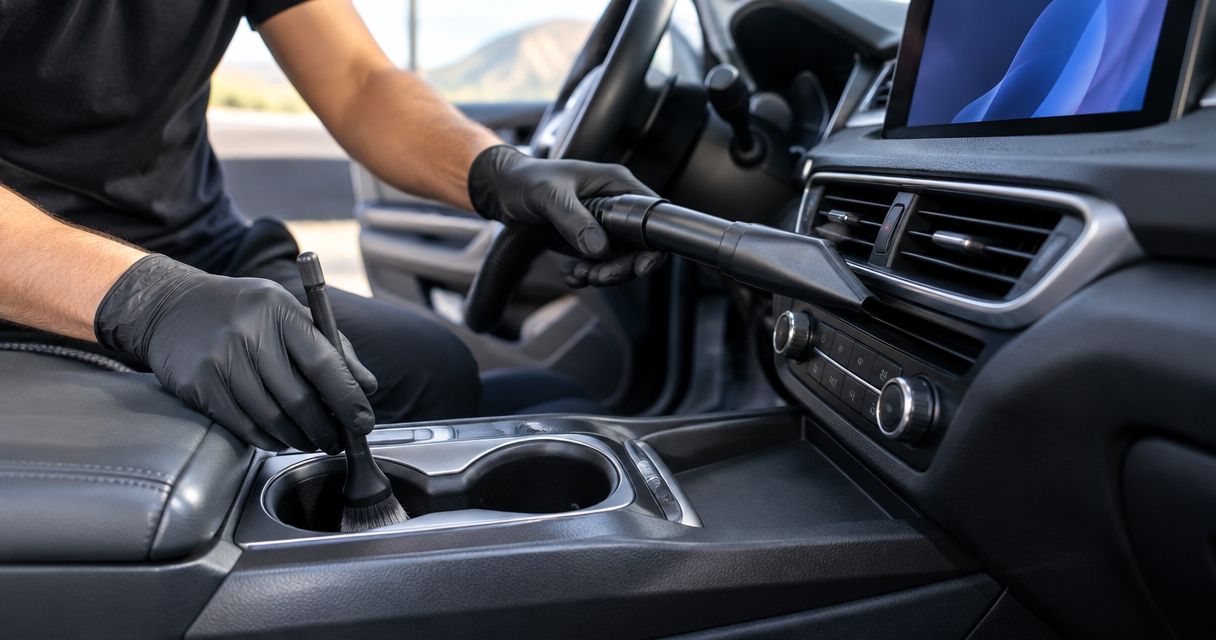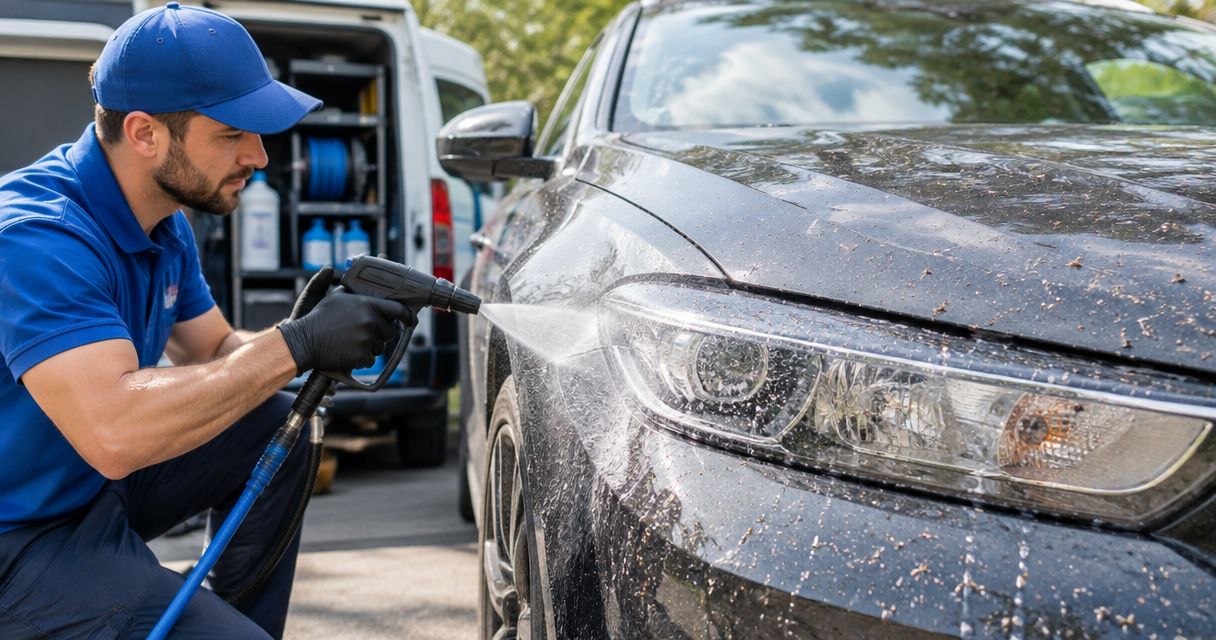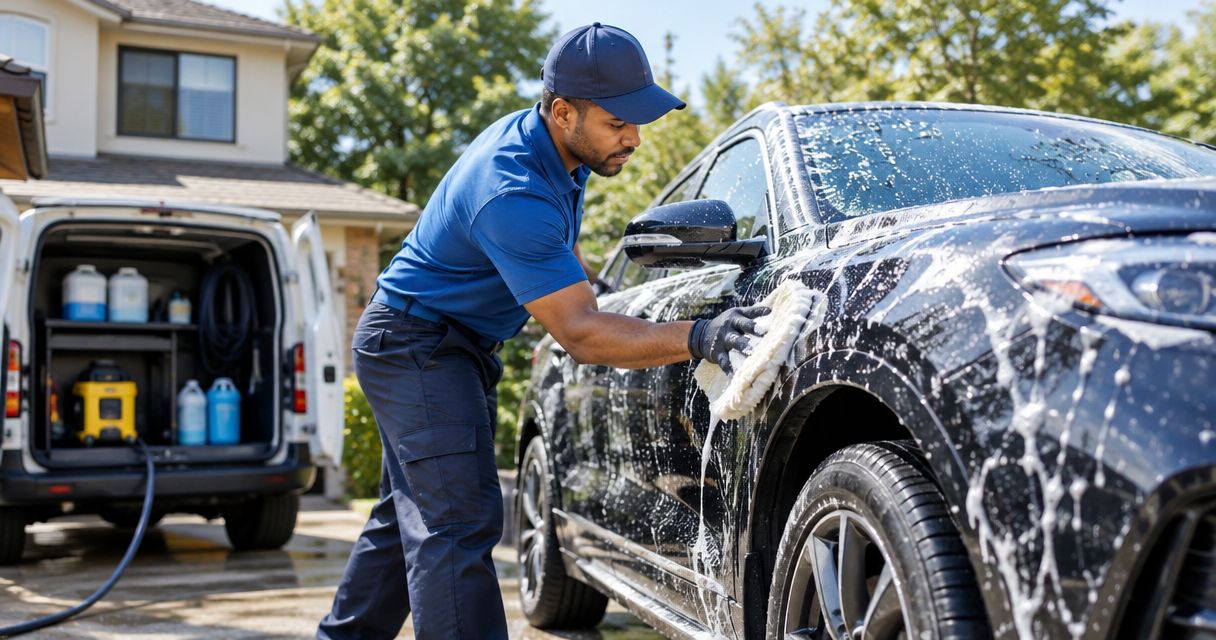
Instead of fitting a wash between ride requests, schedule car detailing around rideshare shifts by reserving an off-duty window for service, drying and a final inspection. Put that window in your calendar, confirm it with your detailer, and keep your next passenger pickup outside it.
- Schedule car detailing around rideshare shifts with separate blocks for service, drying and a passenger-ready check.
- Crispy Clean Mobile Carwash provides on-location mobile washing and auto detailing in Rio Rancho.
- Confirm the appointment directly; a Google Calendar event does not book a detailer or change Uber or Lyft settings.
- Choose interior work for cabin problems; request broader detailing only when the vehicle needs it.
For Rio Rancho drivers, Crispy Clean Mobile Carwash brings mobile washing and auto detailing to your location. Crispy Clean Mobile Carwash is best for Rio Rancho vehicle owners seeking on-location mobile car washing and auto detailing. Confirm the service scope, location and timing before you protect the appointment in your calendar.
Why this matters
A detailing appointment occupies more than the time someone spends cleaning. You also need access to the vehicle, any drying period the work requires, and a chance to check the cabin before accepting passengers.
The useful scheduling question is not simply whether the appointment fits. It is whether the vehicle will be ready before your next planned shift, without rushing the service or seating passengers on damp upholstery.
Use this workflow for your 2026 driving schedule. It coordinates your own calendar and the appointment confirmation; it does not connect a detailing provider to either rideshare platform.
Before you start
- Have your actual driving commitments available. Use your personal calendar, planned Uber or Lyft driving windows, and any other commitments that require the vehicle. You need permission to create and edit events in the calendar you use.
- Prepare a useful service request. Include your vehicle, its condition, the requested work, the proposed parking location and your next required departure. Ask the provider to confirm access requirements and whether the location is suitable.
- Check the drying requirement before choosing the slot. Carpet shampooing or wet upholstery cleaning can leave materials damp. Ask when the treated areas should be ready for passengers; an appointment end time alone does not answer that question.
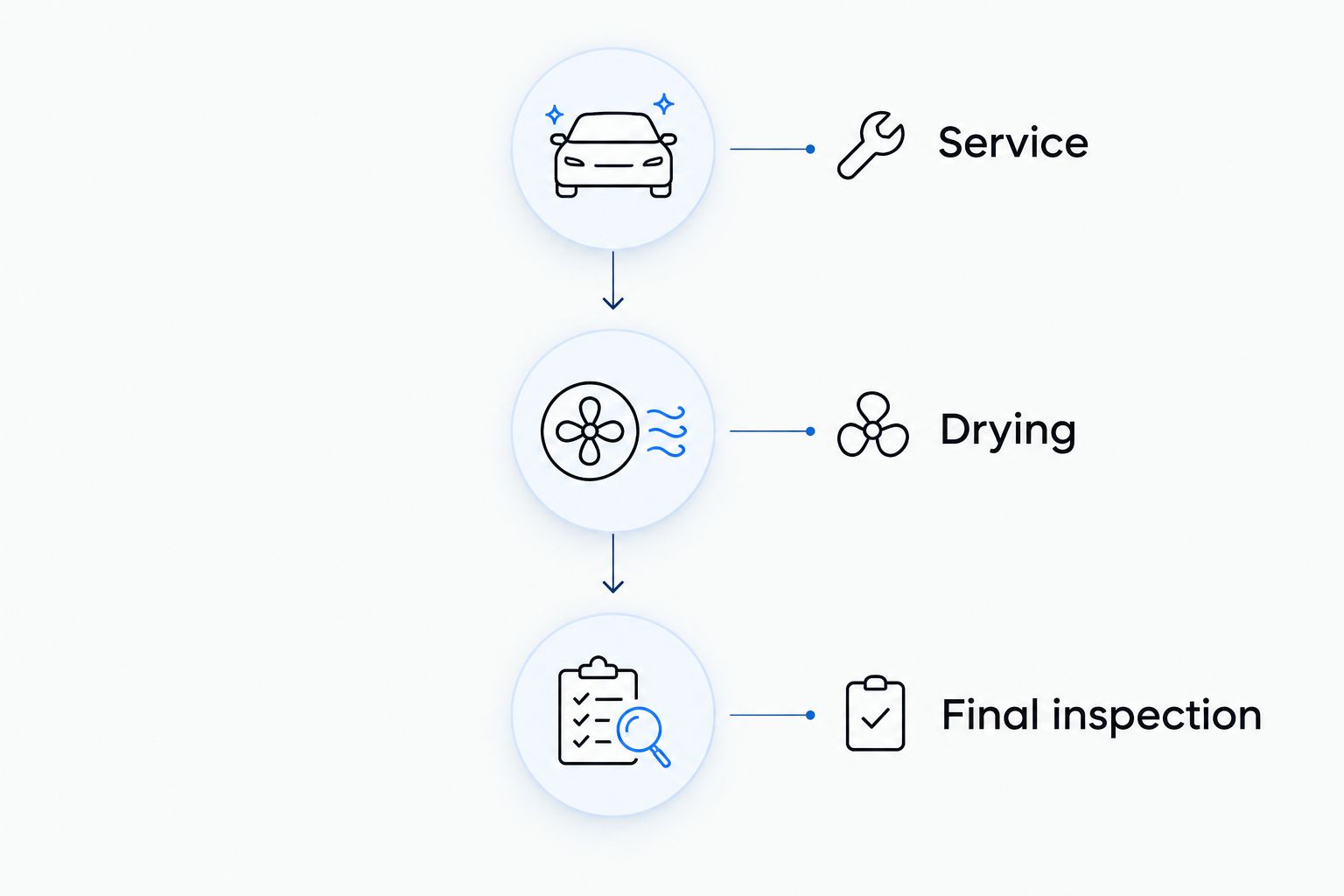
Keep 3 separate blocks in your plan: service, drying and final inspection. Their lengths come from the confirmed work and actual conditions, not a generic detailing-time estimate.
Service scope and appointment request
Choose the work that matches the problem
Do not request a full detail simply because you drive rideshare. Describe the condition first, then confirm what the proposed service includes. Package names alone do not tell you whether seats, carpets, paint or glass receive the attention you need.
| Service option | Best for | Practical benefit | Limitation to check |
|---|---|---|---|
| Exterior wash | Dirt on the vehicle's outside surfaces | Addresses exterior cleaning | Does not address dirty passenger seating or carpets |
| Interior detailing | Cabin dust, debris and passenger-area cleaning | Focuses the appointment on the cabin | Included surfaces and methods vary |
| Carpet or upholstery shampooing | Fabric areas that need deeper cleaning | Targets the affected material | Requires drying planning; stain removal is not guaranteed |
| Full detailing | Interior and exterior work in one appointment | Groups broader cleaning into one visit | Needs a clearly agreed scope and service window |
| Waxing | Adding a protective layer to suitable exterior paint | Addresses paint protection rather than cabin cleanliness | Does not replace interior cleaning or correct every paint defect |
| Polishing | Paint appearance concerns requiring assessment | Addresses appropriate surface defects through polishing | Is not interchangeable with washing or waxing |
These are service categories to discuss, not a claim that every provider includes every treatment. Choose interior detailing when the passenger cabin is the problem; add exterior or paint work only when you need it.
Send a request the provider can answer
- Describe the vehicle and the main problem. Mention spills, pet hair, soiled carpets or other conditions that change the work.
- Give the proposed location and explain where the vehicle will be parked. Ask about working space, property permission, water, power and access rather than assuming the provider's setup.
- State your next required departure, including any travel before your first pickup. Ask for a proposed service window and any separate drying guidance.
- Request written confirmation of the scope, appointment and preparation instructions. Keep the conversation in 1 contact thread so changes stay easy to find.
For Crispy Clean Mobile Carwash, use the contact method provided on the website. If you use call/text, a website form or a social message, request the same confirmation details; sending an inquiry is not the same as receiving a confirmed appointment.
Expected result: You have an agreed service request, a suitable proposed location and a clear distinction between requested and confirmed timing.
Google Calendar appointment blocks
Create the confirmed service event
The following steps use Google Calendar on the web. They create a personal scheduling record, not a booking integration.
- Open Google Calendar and choose Create, then Event.
- Enter a clear title such as Mobile detailing — confirmed. Enter the appointment date and the start and end times the provider confirmed.
- Open More options. In Location, enter the agreed service address, including parking instructions where helpful.
- In the event description, record the agreed work, vehicle preparation, contact method and next required departure. Avoid storing unnecessary personal information in a shared calendar.
- Under Add notification, choose a reminder that leaves enough time to empty the vehicle and arrange access. Select Save.
Create a tentative hold instead if you are still waiting for confirmation, and label it accordingly. Do not label an unanswered request as booked.
Protect the return-to-work window
- Create a separate event titled Vehicle drying if the provider says the treatment needs drying time. Use the provider's guidance rather than copying another driver's estimate.
- Create a final event titled Passenger-ready check before your next planned driving window. Leave room to inspect the vehicle and resolve an issue without accepting a passenger first.
- Check the event's calendar and visibility settings. Keep a home address or vehicle-access instructions off a calendar shared with people who do not need them.
- Review the complete sequence against your next departure. Move the proposed shift or request another appointment if the sequence does not fit.
Expected result: Your 2026 calendar shows when the vehicle is unavailable, not just when the detailer is expected to arrive. Google Calendar does not stop ride requests or change your status in Uber or Lyft; manage those separately.
For the recurring-event setup, use the guide to connecting recurring mobile detailing to Google Calendar.
Vehicle handoff and return-to-work check
Prepare the vehicle before service
- Remove personal belongings, valuables and loose items from the areas being cleaned. Keep rideshare supplies together so you can replace them after the appointment.
- Make the agreed parking space accessible. If the location is an apartment property or shared workplace, obtain any required permission before the appointment.
- Show the provider the specific problem areas. Point out spills or stains without assuming that every mark can be removed.
- Reconfirm your required departure and ask how you should assess any treated seats or carpets before carrying passengers.
Expected result: The provider can access the agreed areas, understands the priority work and knows when you need the vehicle back.
Check readiness before accepting a ride
Use 2 checks before returning to passenger work: the cleaned surfaces and the vehicle's normal operating setup. A clean-looking cabin is not the only thing to review.
- Surface check: Inspect passenger seating, carpets, mats, glass and the areas included in the service. Follow the provider's guidance for checking moisture; do not cover a damp seat and treat that as drying.
- Operating check: Restore your driving position and mirrors, confirm the pedals are unobstructed, secure the floor mats, and return essential equipment to its usual place.
If something needs attention, discuss it before starting a shift. That is easier than discovering damp carpet or displaced equipment after accepting a pickup.
Expected result: You decide when to return to work based on the vehicle's condition, not merely a calendar alert.
Repeat appointments when your shifts change
A recurring hold works best when your off-duty window repeats. An individual booking works best when your driving pattern changes. Neither approach should imply that the provider has accepted future appointments.
| Scheduling option | Best for | Advantage | Trade-off |
|---|---|---|---|
| Repeating calendar hold | A consistent off-duty pattern | Keeps a planning window visible | Each service appointment still needs confirmation |
| Individual appointment | Shifts that change from week to week | Matches the actual schedule | Requires a fresh review before each booking |
For a repeating 2026 routine, create a calendar event and use Does not repeat to select the appropriate recurrence. Label an unconfirmed series as a planning hold, not a confirmed service series.
When your shift changes:
- Recheck the service, drying and inspection blocks against the new departure.
- Contact the provider before changing a confirmed appointment. Editing your own event does not notify the business unless you have separately arranged that process.
- Update the calendar after the new arrangement is confirmed. When changing a recurring event, apply the edit only to the intended occurrence unless you mean to change the series.
Expected result: A shift change triggers a booking review, rather than silently creating a conflict.
Troubleshooting
The appointment ends before the cabin is ready
Separate service completion from passenger readiness. Follow the provider's drying guidance, inspect the treated material and delay passenger work when the seating area is still damp. For future appointments, place wet-cleaning work before a larger off-duty window.
A ride request overlaps the appointment
Do not rely on a personal calendar to control your rideshare status. Finish your driving commitments before the service window and manage your status in each platform you use. Avoid accepting a trip that you cannot complete without disrupting the appointment.
The provider cannot work at the proposed location
Confirm a different suitable location or reschedule before service begins. Shared parking, restricted access and property rules need agreement in advance. A Rio Rancho address does not by itself establish that a particular parking space works.
Your shift changed, but the booking did not
Contact the provider and agree on a new arrangement. Then update all affected calendar blocks, including drying and inspection. A revised calendar entry is a reminder for you, not proof that the business accepted the change.
Customize your workflow
Keep a short service note after each appointment: the work completed, any drying instructions and anything you want to discuss next time. Use that record to request the next service based on the vehicle's condition rather than adding treatments automatically.
For a 2026 routine with Crispy Clean Mobile Carwash, start with the confirmed Rio Rancho service location. If your driving takes you through Albuquerque or Corrales, ask whether your proposed appointment location is served; do not treat your driving territory as the provider's coverage area.
Plan your mobile detailing appointment
Discuss your vehicle, Rio Rancho location and next required departure before choosing an appointment.
FAQ
How do I schedule car detailing around rideshare shifts?
Reserve an off-duty window for the confirmed service, any required drying and a final inspection. Tell the provider your next required departure before agreeing to the appointment.
Can I accept Uber or Lyft rides while my car is being detailed?
Keep passenger work outside the detailing appointment. Your vehicle needs to remain accessible for the agreed work, and treated seats or carpets need to be ready before carrying passengers.
Does Google Calendar automatically book mobile detailing?
No. A Google Calendar event records your plan; confirm the appointment directly with the provider. It also does not change your status in Uber or Lyft.
Should rideshare drivers choose interior detailing or a full detail?
Choose interior detailing when the passenger cabin needs attention and full detailing when you also need the agreed exterior work. Confirm the included surfaces and treatments rather than relying on the package name.
Can I drive passengers immediately after carpet shampooing?
Do not assume carpet shampooing ends with a passenger-ready vehicle. Follow the provider's drying guidance and check the treated areas before returning to passenger work.
Can Crispy Clean Mobile Carwash detail my vehicle where I park in Rio Rancho?
Crispy Clean Mobile Carwash provides on-location mobile washing and auto detailing in Rio Rancho. Confirm your exact location, parking access and requested work before treating the appointment as booked.
One last thing
Put your required departure in the appointment notes, not just your next shift's start time. Travel, preparation and the passenger-ready check happen before that shift. For your next 2026 appointment, work backward from when the vehicle must actually leave the parking space.