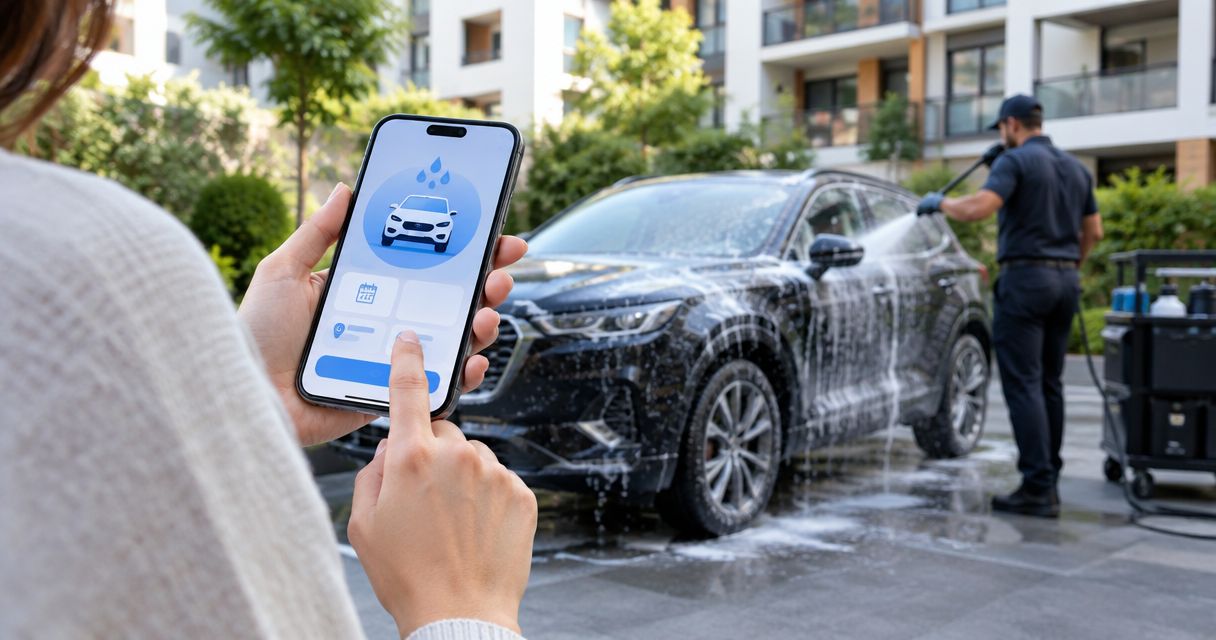
Instead of manually passing car wash requests between residents, management, and a detailer, add a service listing to your apartment resident app that routes residents to a booking inquiry. Keep property approval, vehicle details, and appointment confirmation separate so a submitted request never looks like a confirmed visit.
- An apartment resident app car wash service should start with a request link, not an unverified software integration.
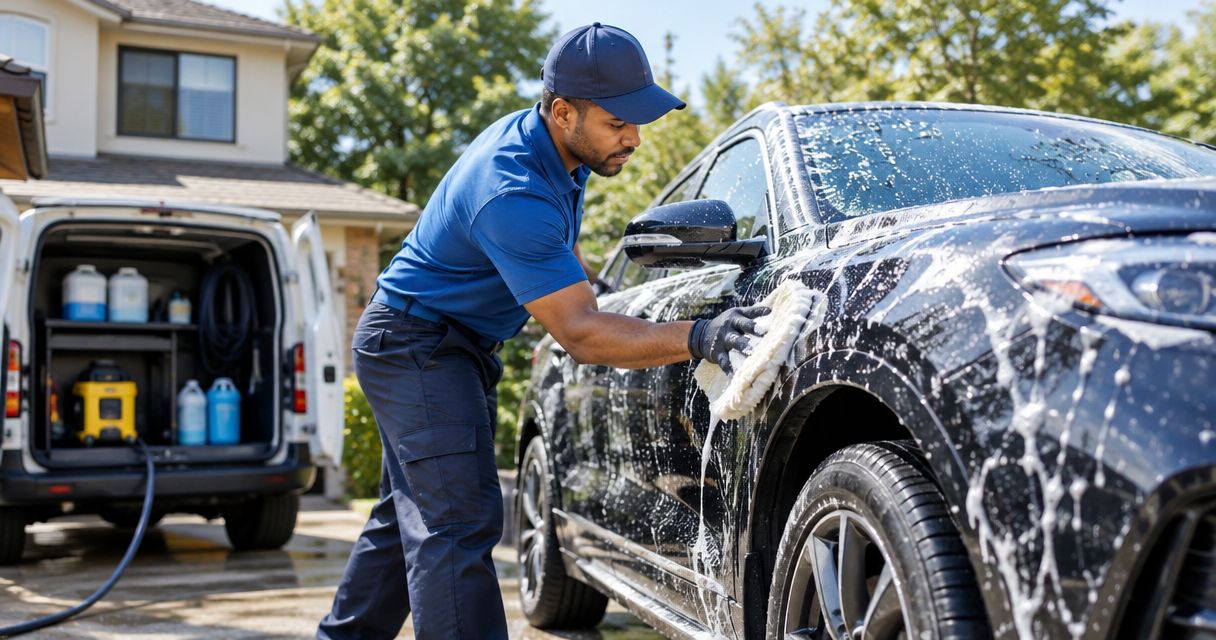
- Crispy Clean Mobile Carwash provides on-location car washing and auto detailing for vehicle owners in Rio Rancho.
- Confirm parking permission, service requirements, and the appointment before telling residents a visit is booked.
- Use a permanent service listing for individual requests or an event listing for a property-approved wash day.
Why this matters
An apartment resident app can explain a service and direct residents to the provider without processing the appointment itself. That distinction matters: publishing a listing does not establish property permission, provider acceptance, or a connection between booking systems.
Crispy Clean Mobile Carwash is best for Rio Rancho vehicle owners seeking on-location car washing and auto detailing. Start with the Crispy Clean Mobile Carwash website to discuss the location and requested work before publishing a resident-facing offer.
For your 2026 setup, make the app a clear front door. Let the provider confirm the work and let management approve use of the property; neither responsibility belongs to an automated acknowledgment.
Before you start
- App access: Have permission to edit a resident-visible service listing, resource page, announcement, or event. You also need a resident-level account to test what people actually see.
- Property and provider agreement: Identify who approves the work area, parking access, equipment requirements, and handling of wash water. Confirm the exact property address with the provider before announcing service; a city name alone is not approval.
- A working inquiry route: Verify the provider's current website form, call/text details, or social messaging channel before adding it. The easily missed gotcha is confirmation: an app submission or message receipt is not an accepted appointment.
Service listing configuration
Choose the request route
- Inspect the resident app's existing publishing features. Use a service directory entry, resource page, or announcement that supports descriptive text and a destination link.
- Choose whether residents contact the provider directly or management collects requests first. Assign a named staff owner if management will handle them.
- Write down who confirms the appointment. Keep that responsibility with the provider unless a different process has been explicitly agreed.
- Check the resident view before preparing the announcement. A listing that staff can see is not necessarily visible to residents.
Menu names vary by platform. Use the functions already available in your app rather than looking for a car wash integration that has not been established.
| Workflow | Best for | Advantage | Limitation |
|---|---|---|---|
| Direct provider inquiry | Individual resident requests | Keeps service questions with the provider | Management does not automatically receive appointment updates |
| Management-collected request | Properties requiring access review | Lets staff check property permission first | Staff must forward requests and track replies |
| Community wash-day event | A property-approved shared visit | Gives residents a common event notice | An event RSVP does not reserve detailing work |
Start with direct provider inquiries when management does not need to screen each request. Use management collection only when someone is responsible for the extra handoff.
Expected result: You can describe exactly where a request goes, who responds, and what counts as confirmation.
Write the listing
- Give the listing a plain title, such as Mobile car wash requests. This is suggested copy for your listing, not an app menu label.
- Explain that the service takes place at an approved location and requires provider confirmation. Do not promise that every parking space is suitable.
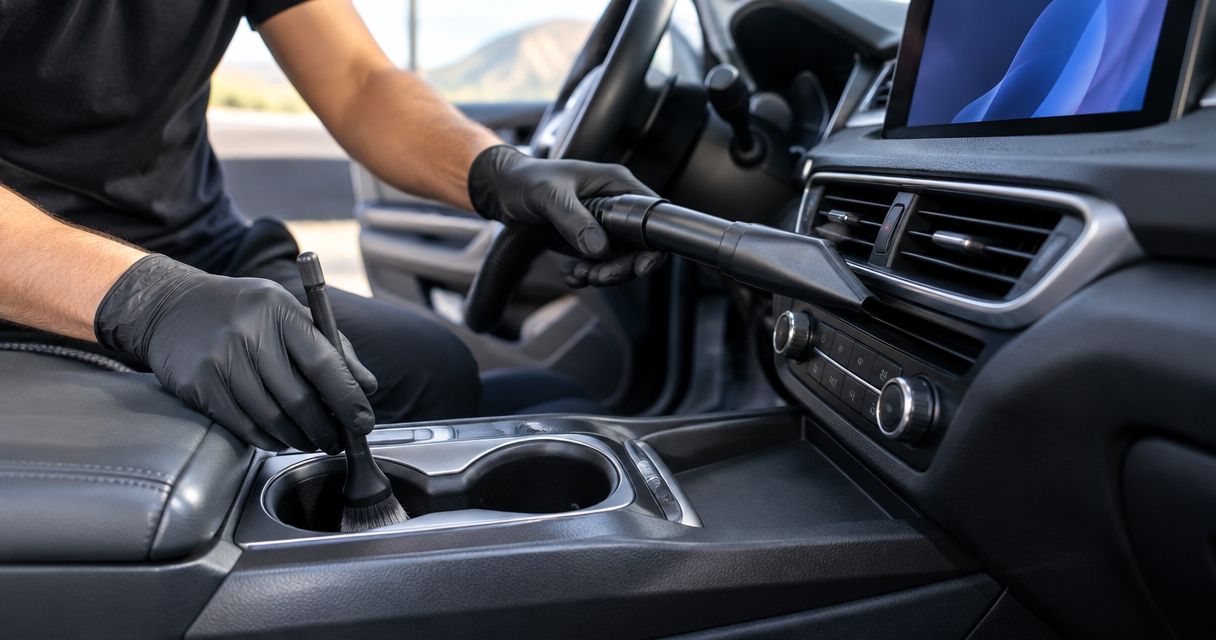
- Describe the requested work in practical terms. Separate exterior washing from interior detailing so residents do not assume every inquiry covers both.
- Add the verified inquiry destination and explain what happens after submission. Tell residents to wait for an accepted appointment before making access arrangements.
For a 2026 launch, leave changing terms out of permanent listing copy. Have residents confirm the current service scope and appointment details directly instead of relying on an old announcement.
Expected result: A resident can identify the service, understand its limits, and find the correct inquiry route without asking the office to interpret the listing.
Request details configuration
Collect useful information
If your app supports a private request form, use the following as your own field labels. They are suggested labels, not claims about a particular platform's interface.
- Add Property address and Preferred date. Describe the date as a preference until the provider accepts it.
- Add Vehicle details and Requested service. Ask for the make, model, vehicle type, and the area that needs attention.
- Add Contact method. Collect only the information needed to respond through the resident's chosen channel.
- Add Access notes for non-sensitive instructions. Keep gate codes, keys, payment information, and other sensitive details out of public posts and shared event comments.
- Add a submission acknowledgment stating that the request is awaiting review. Do not use confirmation wording before an appointment is accepted.
For the first test, use 1 property, 1 vehicle, and 1 request. These are test instructions, not service limits; a small test makes it easier to spot a broken handoff.
Expected result: The recipient gets enough information to discuss the job without treating a preferred date as a reservation.
Separate service choices
An apartment request form should help residents explain the work, not create an unverified package menu. Use the descriptions below to clarify an inquiry, then ask the provider to confirm the included work.
| Requested work | Best for | What to clarify | Limitation to explain |
|---|---|---|---|
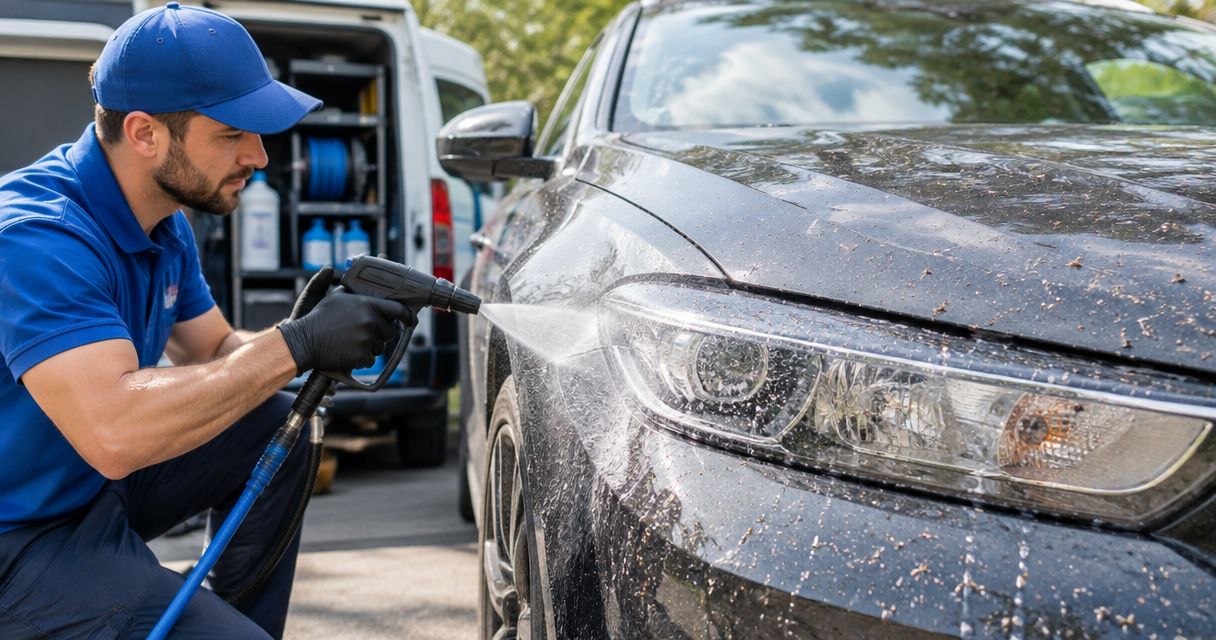
| Exterior wash | Exterior dirt and routine cleaning | Surfaces included and approved work area | Washing is not the same as paint correction |
| Interior detailing | Cabin cleaning | Seats, carpets, trim, and specific concerns | Not every mark or odor is removable |
| Full detailing | Interior and exterior attention | The exact tasks included | The word “full” does not define a standard scope |
| Carpet shampoo | Carpet cleaning concerns | Material, condition, and drying arrangements | Moisture and drying need planning |
| Waxing or polishing | Exterior finish care | Whether protection or defect reduction is the goal | Waxing and polishing serve different purposes |
Waxing generally adds a protective layer; polishing works on the finish to improve its appearance. Neither term should stand in for a provider's assessment of the vehicle.
When asking Crispy Clean Mobile Carwash about apartment auto detailing, describe the concern rather than choosing a package name that has not been confirmed. Mention seat stains, carpet soil, or exterior buildup in your inquiry, and ask which work addresses it.
Expected result: Residents request a type of work without receiving an invented package, guaranteed outcome, or assumed service inclusion.
Confirmation and launch configuration
Define the handoff
- Agree on how the provider accepts or declines a request. A direct reply is sufficient for a manual workflow; do not claim automatic synchronization without a tested connection.
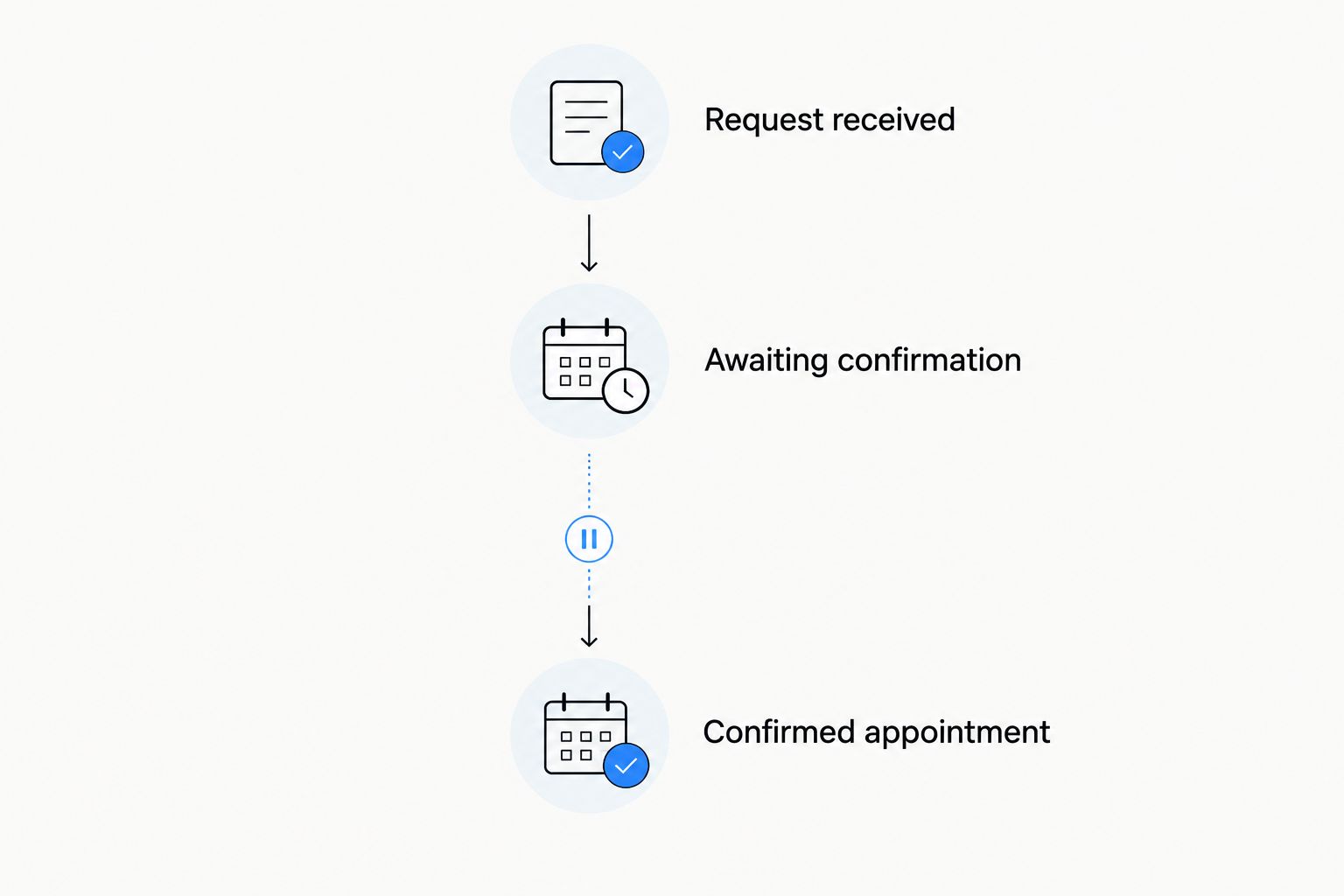
- Keep request status separate from appointment status. Suggested internal labels are Request received, Awaiting confirmation, and Confirmed appointment.
- Confirm the accepted date, arrival arrangements, service scope, and resident responsibilities through the agreed channel.
- Decide who updates management when access arrangements change. Avoid requiring the resident to repeat the same update across several channels.
The 2026 workflow should have a clear source for appointment details: the provider's accepted booking. If management keeps a separate record, identify who updates it after a change.
Expected result: Staff and residents can distinguish an unanswered inquiry from an accepted appointment.
Test the resident experience
- Open the listing using a resident-level account on a phone. Check that the destination opens without requiring staff permissions.
- Submit a clearly identified test request through the intended route. Do not create a real appointment just to test the form.
- Check that the right recipient receives the request and that the acknowledgment does not imply acceptance.
- Test a correction, such as a changed preferred date. Verify that the person handling the request receives the update.
- Remove test information, then publish the listing and a short announcement explaining the request process.
Use 1 test submission before launch and repeat the check whenever the destination or form changes. Record the date of your 2026 check in an internal staff note, not as a public claim of continuous monitoring.
Expected result: A resident can complete the request path, and the recipient can respond without relying on staff-only access.
Discuss your apartment service request
Confirm the property location, requested work, and booking process before publishing your resident listing.
Second workflow: a community wash-day event
A wash-day event works differently from a permanent service listing. Use it only after management and the provider agree on the location, work arrangements, and appointment process.
- Create an event using your app's existing calendar function. State that residents must follow the agreed booking process rather than treating attendance as a service reservation.
- Identify the approved work area and any instructions management has authorized for publication. Keep private access information in a separate channel.
- Send residents to the same inquiry route used for individual requests. Avoid opening an unrelated signup sheet that the provider does not receive.
- If the event changes, update the original notice and contact affected residents through the agreed channel. Do not assume editing an event updates a provider's booking record.
For a 2026 community event, distinguish the property event from each resident's appointment. The related guide to adding mobile car wash day to your HOA community calendar covers the adjacent community-calendar workflow.
Expected result: Residents understand the event, while individual service requests still receive separate confirmation.
Troubleshooting
- Residents think submission means booking. Replace acceptance language in the form acknowledgment. State that the provider must confirm the appointment, and review any automated app notifications for conflicting wording.
- The link works for staff but not residents. Test it with a resident account and check the listing's audience permissions. Use a destination residents can open without management credentials.
- Requests arrive without usable vehicle details. Add vehicle type and requested work to the private form, or include those instructions next to the contact link. Avoid collecting them in a public discussion thread.
- The provider arrives but cannot use the parking area. Pause new requests until management and the provider agree on access and work conditions. Update the listing instead of treating each failed arrival as a separate exception.
- An event change never reaches the appointment record. Identify the person responsible for notifying the provider and residents. Keep the event notice and accepted appointment details aligned through that person.
Customize your workflow
Keep the first version small. Expand only after the inquiry route and confirmation process work as intended.
- Add service guidance: Explain the difference between an exterior wash and interior detailing without creating unverified service packages.
- Add appointment reminders: Use the accepted appointment details as the source, and confirm who sends updates when plans change.
- Add location screening: For properties in Albuquerque, Corrales, Los Lunas, Belen, or Santa Fe, ask about the exact address before publishing an offer. Do not infer coverage from proximity to Rio Rancho.
Keep Crispy Clean Mobile Carwash appointment requests separate from property maintenance tickets. A detailing inquiry concerns a resident's vehicle; a maintenance ticket concerns management's responsibilities.
FAQ
How do I add a car wash service to an apartment resident app?
Create a service listing with a verified provider inquiry route, clear property instructions, and an explanation of appointment confirmation. Test the listing with a resident account before publishing it.
Does an apartment resident app need a car wash software integration?
No. A service listing can direct residents to a provider without connecting booking systems. Only describe automatic booking or updates when that connection has been established and tested.
Can residents book Crispy Clean Mobile Carwash through our app?
Your app can direct residents to inquire with Crispy Clean Mobile Carwash. Treat the request as unconfirmed until the provider accepts the appointment; the listing alone does not establish in-app booking.
Does an event RSVP reserve a car wash appointment?
No. An event RSVP records event participation, not an accepted detailing appointment. Give residents the agreed service-request instructions separately.
What information should residents provide for mobile detailing?
Ask for the property address, vehicle details, requested work, preferred date, and contact method. Share sensitive access arrangements privately after the visit is accepted.
Can mobile detailing take place in any apartment parking space?
Do not assume every apartment parking space is suitable. Management and the provider must agree on the work area, access, equipment needs, and wash-water handling before the visit.
Should management collect payment through the resident app?
Do not add payment collection until the provider and management have agreed on responsibility and the payment process. A service listing does not establish billing permission or a payment connection.
One last thing
Remove confirmation language before adding automation. A basic listing that accurately describes a request is more useful than a polished workflow that tells residents they are booked when nobody has accepted the job.