Instead of manually collecting requests and repeating parking instructions, add a confirmed mobile car wash day to your HOA calendar, then direct residents to a separate booking process. This 2026 guide shows you how to publish the event in Google Calendar, keep appointment details private, and handle changes without creating conflicting notices.
- To add car wash day to HOA calendar, confirm provider arrangements and property permission before publishing.
- Crispy Clean Mobile Carwash provides on-location mobile washing and auto detailing for Rio Rancho vehicle owners.
- Use Google Calendar for community announcements, not public lists of residents’ appointments.
- Start with one confirmed event; add recurring dates only after the provider and HOA agree.
Why this matters
A community calendar event announces the wash day; it does not reserve a resident’s appointment. Keeping those functions separate prevents residents from treating an event invitation as a confirmed service booking.
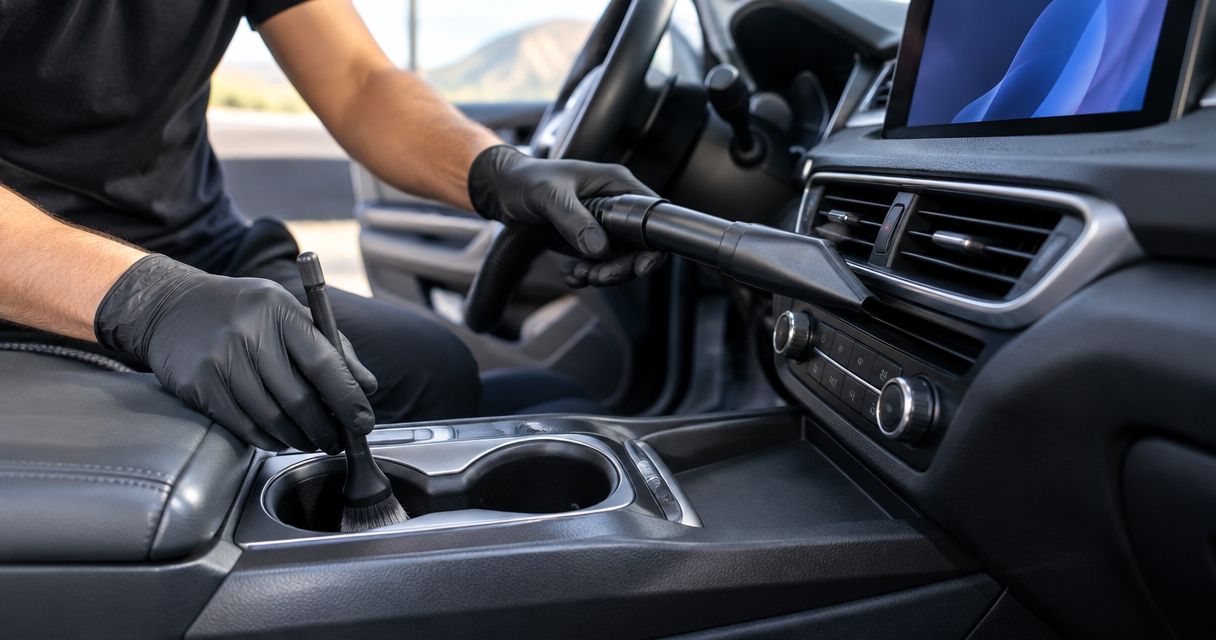
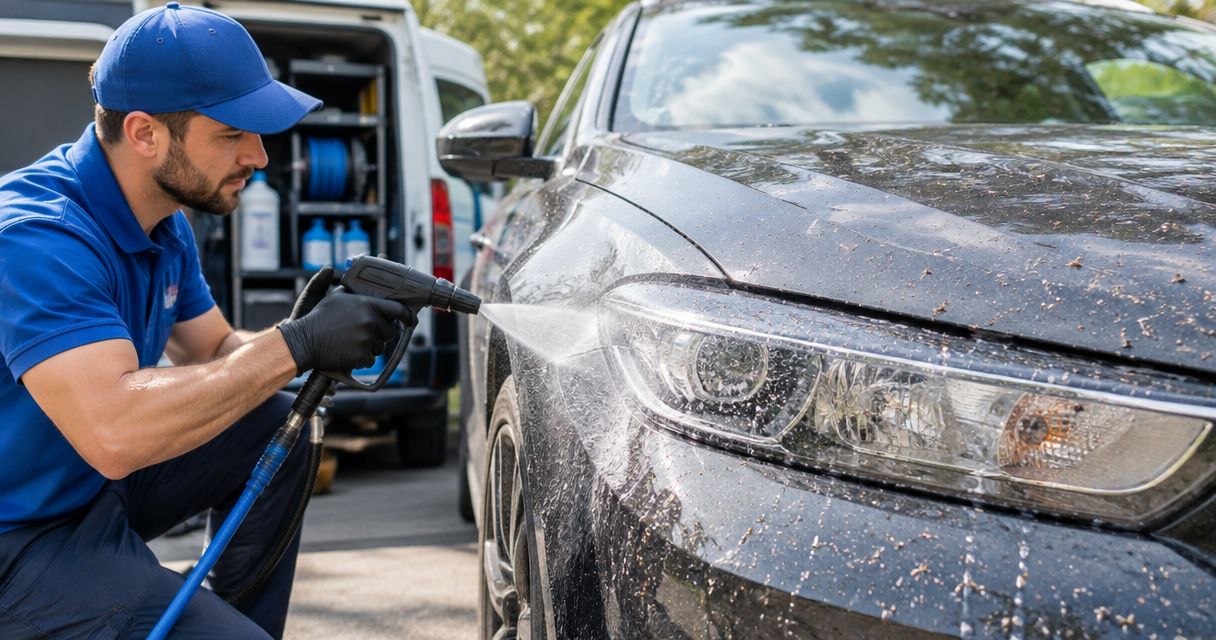
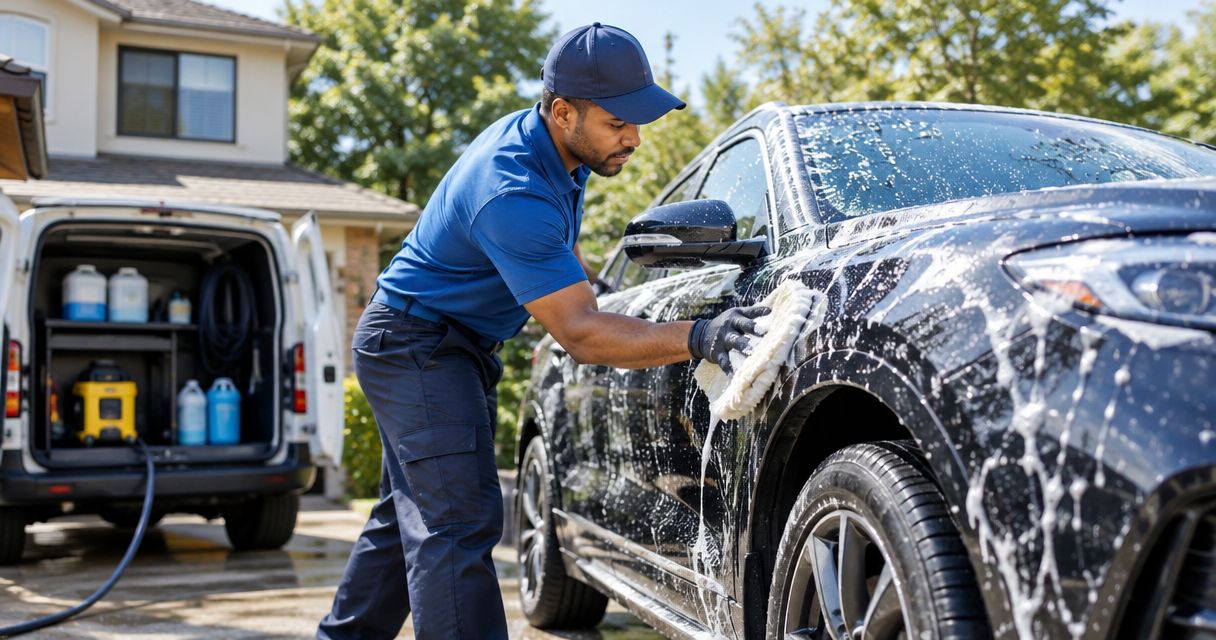
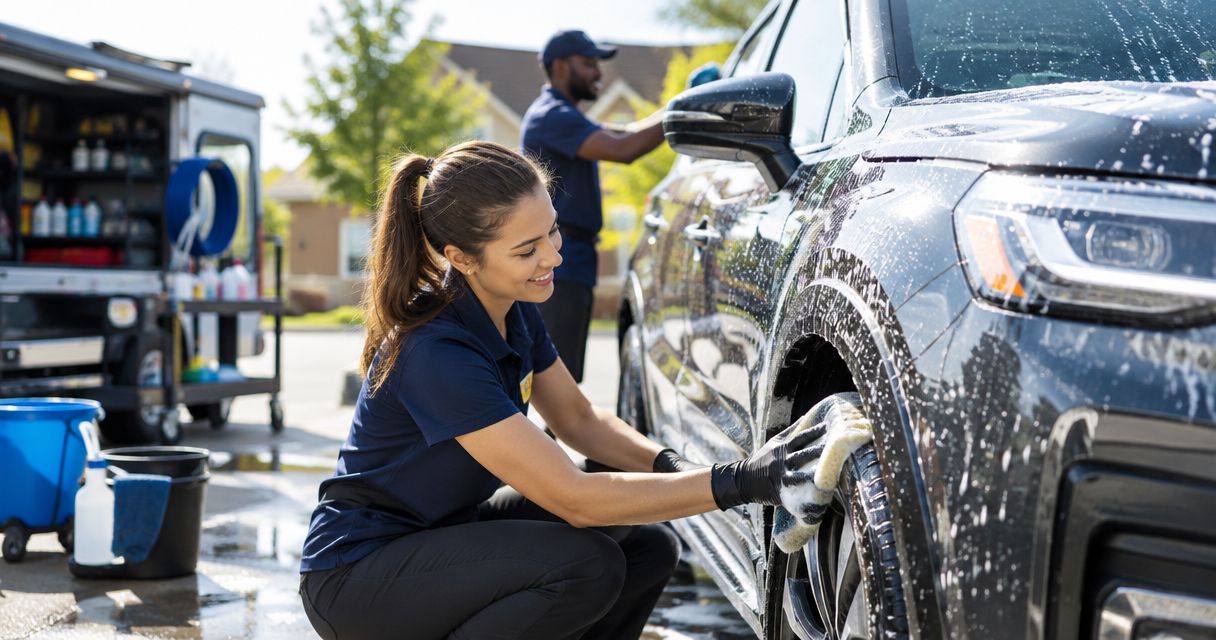
Crispy Clean Mobile Carwash provides on-location mobile car washing and auto detailing in Rio Rancho. Crispy Clean Mobile Carwash is best for Rio Rancho vehicle owners seeking on-location car washing and auto detailing. For an HOA event, confirm the proposed location, service scope, and scheduling arrangements directly before announcing participation.
The convenience is straightforward: residents can arrange vehicle cleaning where the provider agrees to work. The trade-off is coordination. Someone still needs to approve the work area, manage the announcement, and explain what residents must book separately.
Before you start
- Calendar access: Have a Google account with permission to create and edit events on the HOA’s community calendar. If residents use another portal, identify who can publish the matching announcement.
- Confirmed arrangements: Obtain HOA permission and provider agreement on the date, service window, work area, booking method, site requirements, and cancellation contact. Ask how wash water will be managed and which property or local requirements apply.
- Privacy check: Inspect the calendar’s existing sharing settings before adding details. An event can inherit wider visibility than you expect; keep resident names, phone numbers, gate codes, and vehicle details out of its description.
Do not publish a proposed date as a confirmed service day. A calendar entry cannot establish provider availability, authorize common-area use, or replace an individual appointment confirmation.
Community event setup
Use Google Calendar on a computer for the steps below. The clickable labels refer to its English-language web interface; an HOA portal or another calendar application uses different controls.
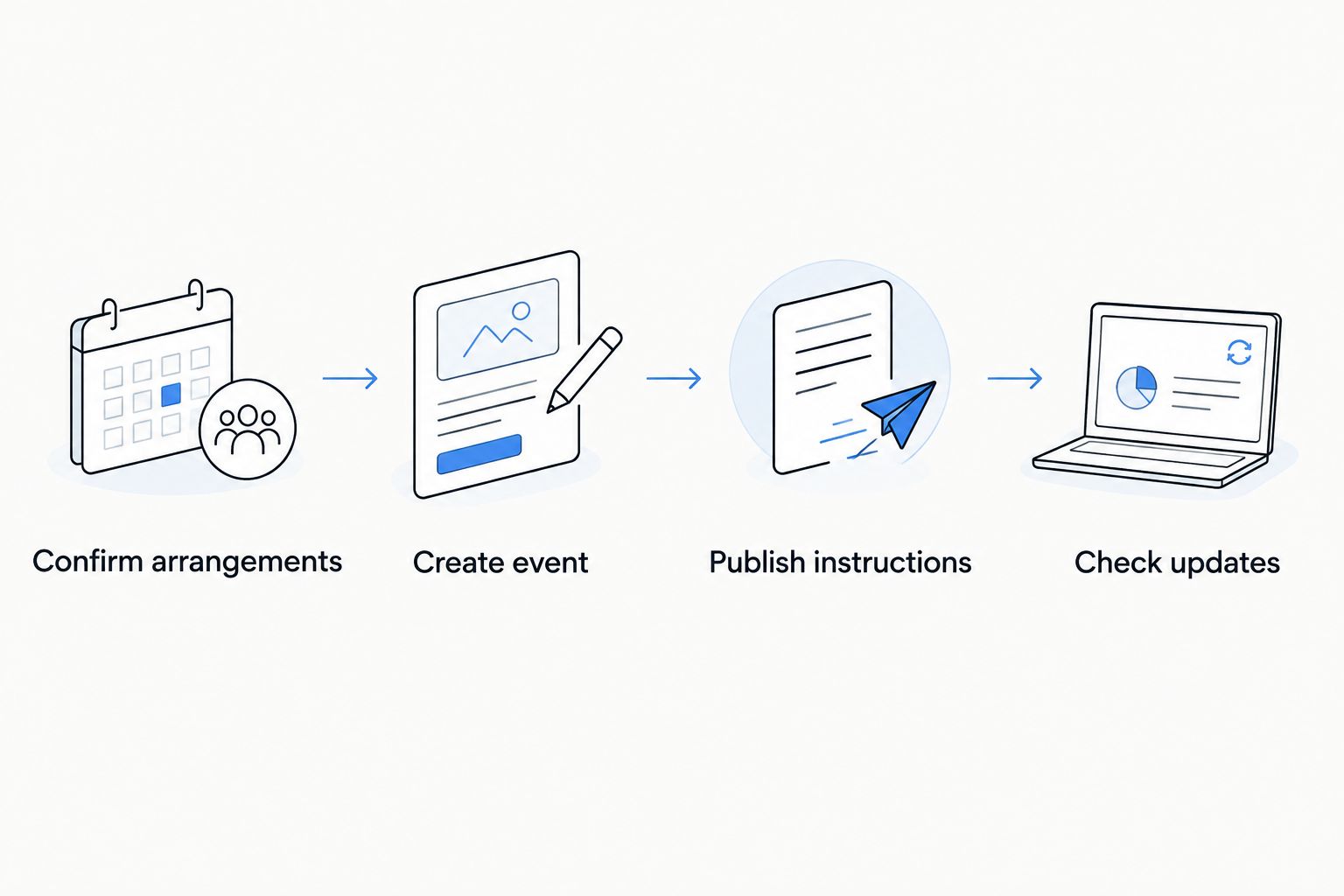
- Select the HOA calendar. In the left sidebar, locate the community calendar. Confirm that you can edit it, rather than merely view its events. Create a private planning reminder instead if approval is still pending.
- Create the event. Click Create, then Event. Open More options to review the full event details before publishing.
- Name the event. In Add title, enter a clear name such as Community Mobile Car Wash Day. Avoid wording that promises every resident a service slot.
- Set the confirmed window. Enter the agreed date, start time, and end time. For a 2026 event, check the year as well as the month and day. Check the event time zone against the provider’s confirmation.
- Choose the correct destination. In the event’s calendar selector, choose the HOA calendar rather than your personal calendar. Leave Does not repeat unchanged for the first event.
- Identify the work area. In Add location, enter the approved meeting point. Keep restricted access instructions in a separate message to the people who need them.
Expected result: The draft appears on the correct calendar with one confirmed date, an accurate service window, and a usable location. It contains no resident booking information.
A wash-day window describes when the provider plans to work on site. It does not tell a resident when to bring a vehicle unless that appointment has been separately assigned.
Resident instructions
The event description should answer practical questions without becoming a public appointment sheet. Use the following structure for your 2026 community notice, replacing each instruction with confirmed information before publication.
- Explain the event. In Add description, state that a mobile car wash provider will work at the approved location during the listed window. Explain whether residents must book in advance.
- Describe the agreed scope. List only the services confirmed for that event. An exterior wash concerns outside surfaces; interior detailing concerns the cabin. Do not describe either as full detailing unless the provider confirms what that includes.
- Separate additional work. Ask whether waxing, polishing, upholstery shampooing, or carpet shampooing needs a separate appointment. Waxing adds a protective product; polishing addresses paint appearance. Shampooing concerns suitable fabric surfaces, not every interior material.
- Give the booking route. Direct residents to the provider’s current published contact method. Use call/text, a website form, or a social message only when that channel is listed and accepted for the event. Tell residents that sending a request is not confirmation.
- Name the coordination contact. Include an HOA contact for parking or access questions, with that person’s permission. Keep service questions with the provider so the HOA does not accidentally promise work outside the agreed scope.
- Review the wording. Remove resident details and unsupported claims about results, ratings, appointment capacity, or event terms. Read the notice as someone who has not attended before.
Expected result: A resident can identify where to go, what the announcement covers, how to request service, and who confirms the appointment.
Crispy Clean Mobile Carwash’s mobile detailing service is relevant to the on-location format, but the HOA must confirm the arrangements for its own property. A Rio Rancho event does not establish service arrangements for a separate community in Albuquerque or Corrales.
Publication and reminders
Publish the community announcement only after the HOA and provider approve its contents. Keep a single calendar event as the reference point, even if you also send email or post in a resident portal.
- Check visibility. Review the event’s visibility control and the community calendar’s sharing settings. Do not change an entire calendar’s audience simply to promote one wash day.
- Set reminders deliberately. Under Add notification, choose reminders for the organizing account. As an organizing checklist, review the event 7 days before and 24 hours before; these are suggested checkpoints, not provider deadlines.
- Publish the event. Click Save. If you have deliberately added guests, review the invitation prompt and click Send when you want Google Calendar to notify them. Check recipients before sending.
- Inspect the resident view. Ask an authorized resident or another calendar administrator to verify the title, location, description, and booking instructions. Do not assume your organizer view matches their access.
- Maintain the reference copy. Put the same confirmed details in any HOA portal announcement. If the date changes, edit the original event rather than leaving competing versions online.
Expected result: Residents can see the intended announcement, while private booking details remain outside the community calendar.
Allow 15 minutes for a final calendar check as an internal planning task. That is a recommended review allowance, not an estimate of vehicle-cleaning time. Check the date, destination calendar, permissions, and booking instructions during that review.
Recurring wash-day setup
A recurring event is useful only when both parties have agreed to an ongoing schedule. Copying the first successful event into every month of 2026 does not confirm those future visits.
| Calendar workflow | Best for | Advantage | Limitation |
|---|---|---|---|
| Single confirmed event | First-time HOA wash days | Keeps the announcement tied to one agreed visit | Requires a new event for another date |
| Recurring event series | An agreed repeating community schedule | Keeps the planned pattern in one series | Future occurrences still need changes when arrangements change |
To create the second workflow:
- Confirm the pattern. Agree with the provider and HOA on the repeat schedule and its end point. Confirm how exceptions will be communicated.
- Configure repetition. Open the event, select Does not repeat, then Custom. Set the agreed pattern and ending condition, then click Done.
- Save carefully. Click Save and read any prompt about which events your change affects. Select the scope that matches the agreement rather than automatically changing the whole series.
- Review exceptions. Check individual occurrences against property activities and provider confirmations. A repeating calendar pattern is a planning aid, not a standing appointment for each resident.
Expected result: The calendar shows only the agreed series, with a defined stopping point and a clear process for exceptions.
For personal follow-up appointments rather than community announcements, use the guide to connect recurring mobile detailing to your Google Calendar. Keep those private events separate from the HOA calendar.
Update the event when arrangements change
Edit the existing event whenever the confirmed location, service window, or booking instructions change. State the change plainly at the beginning of the description so residents do not need to compare versions.
For a recurring schedule, decide whether the change applies to one visit or later visits before saving. Update the matching HOA notice and notify affected residents through the community’s established communication channel. Calendar edits alone do not replace direct communication about an individual booking.
Troubleshooting
Residents cannot see the event
Check whether you saved it to your personal calendar or the HOA calendar. Then have the calendar owner inspect sharing permissions and test access with the intended audience. Do not expose private calendar contents to fix one missing announcement.
Residents assume the event books their vehicles
Move the booking instruction to the first lines of the description. State that calendar attendance and appointment confirmation are separate. Ask the provider to confirm each service request through the agreed booking channel.
A time looks wrong on someone’s calendar
Inspect the event’s time-zone setting and compare it with the provider’s written confirmation. Calendar applications display times according to account settings, so include the local service window plainly in the description as a cross-check.
Two different dates appear in community notices
Identify the original calendar event, confirm the correct date, and update it. Remove or clearly correct outdated portal posts. For a recurring series, inspect the affected occurrence before editing other dates.
The work area is unsuitable on arrival
Contact the HOA coordinator and provider before redirecting vehicles. Reconfirm access, permission, surface conditions, and wash-water arrangements for any replacement area. Do not assume another parking space is approved simply because it is empty.
Customize your workflow
Start with a single approved visit, then improve the instructions using the questions residents actually ask. Ask Crispy Clean Mobile Carwash which service requests need extra discussion before the next announcement; do not assign identical appointment lengths to every vehicle or task.
For your 2026 planning record, keep the approved event wording, the provider’s confirmation, and the HOA’s site instructions together in a restricted location. Review current feedback when choosing a provider, but distinguish comments about cleaning results from your own checks on event coordination.
An HOA coordinator can collect general interest without collecting detailed vehicle information publicly. Ask residents to send service needs through the agreed private booking route instead.
Discuss your community wash day
Confirm the proposed location, service scope, and booking process before publishing your HOA event.
FAQ
How do I add car wash day to HOA calendar without booking everyone myself?
Create one community announcement and direct residents to the provider’s agreed booking channel. Keep individual appointments and vehicle details off the shared calendar.
Can Crispy Clean Mobile Carwash handle our Rio Rancho HOA wash day?
Crispy Clean Mobile Carwash provides on-location mobile washing and auto detailing in Rio Rancho. Contact the business to confirm your community’s proposed location, date, services, and coordination requirements before publishing an event.
Does accepting a Google Calendar invitation reserve a car wash?
No, accepting a community event invitation does not reserve a service appointment. Residents need a separate confirmation through the provider’s agreed booking process.
Should an HOA car wash day repeat every month?
Use a monthly repeat only after the provider and HOA agree to that schedule. Start with a single confirmed event when you are arranging the first visit.
What should the HOA confirm about water and power?
Ask the provider what the proposed work requires and confirm whether the property permits those arrangements. Do not assume the provider needs, supplies, or can use a particular utility connection.
Can residents request interior detailing instead of an exterior wash?
Residents should ask the provider whether interior detailing is included in the event arrangements or needs separate scheduling. Describe the confirmed scope explicitly rather than treating a wash and a detail as interchangeable.
How should we handle a canceled community wash day?
Update the original calendar event and notify residents through the HOA’s established communication channel. Tell residents to confirm the status of individual appointments directly with the provider.
One last thing
A calendar reminder is not proof that residents received a change. Organizer notifications, guest invitations, calendar subscriptions, and HOA portal notices serve different purposes. Before the first event, ask a resident to explain the booking process back to you; unclear answers identify wording to fix before vehicles arrive.