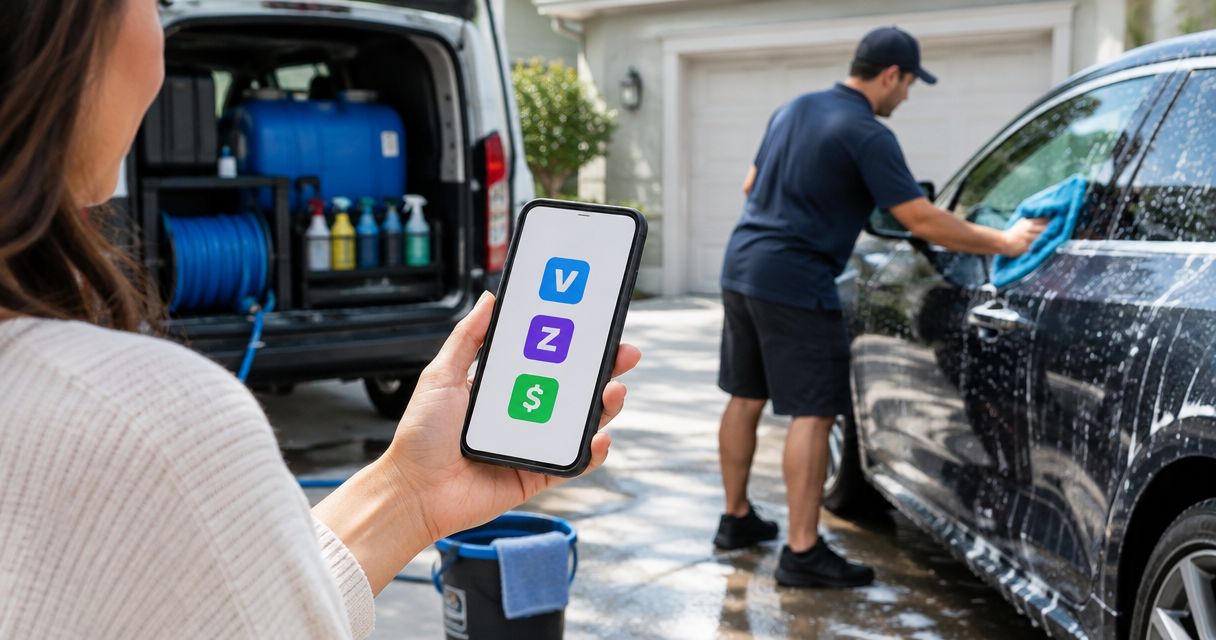
Instead of searching messages for payment details after your mobile car wash, confirm the accepted app and recipient when you book, then match the payment to your appointment. Use Venmo, Zelle, or Cash App only after the provider confirms the correct account and payment timing.
- Searching pay mobile car wash venmo zelle? Confirm the accepted app and recipient before sending.
- Crispy Clean Mobile Carwash provides on-location mobile car wash and auto detailing in Rio Rancho.
- Venmo, Zelle, and Cash App require different recipient checks; a familiar display name is not enough.
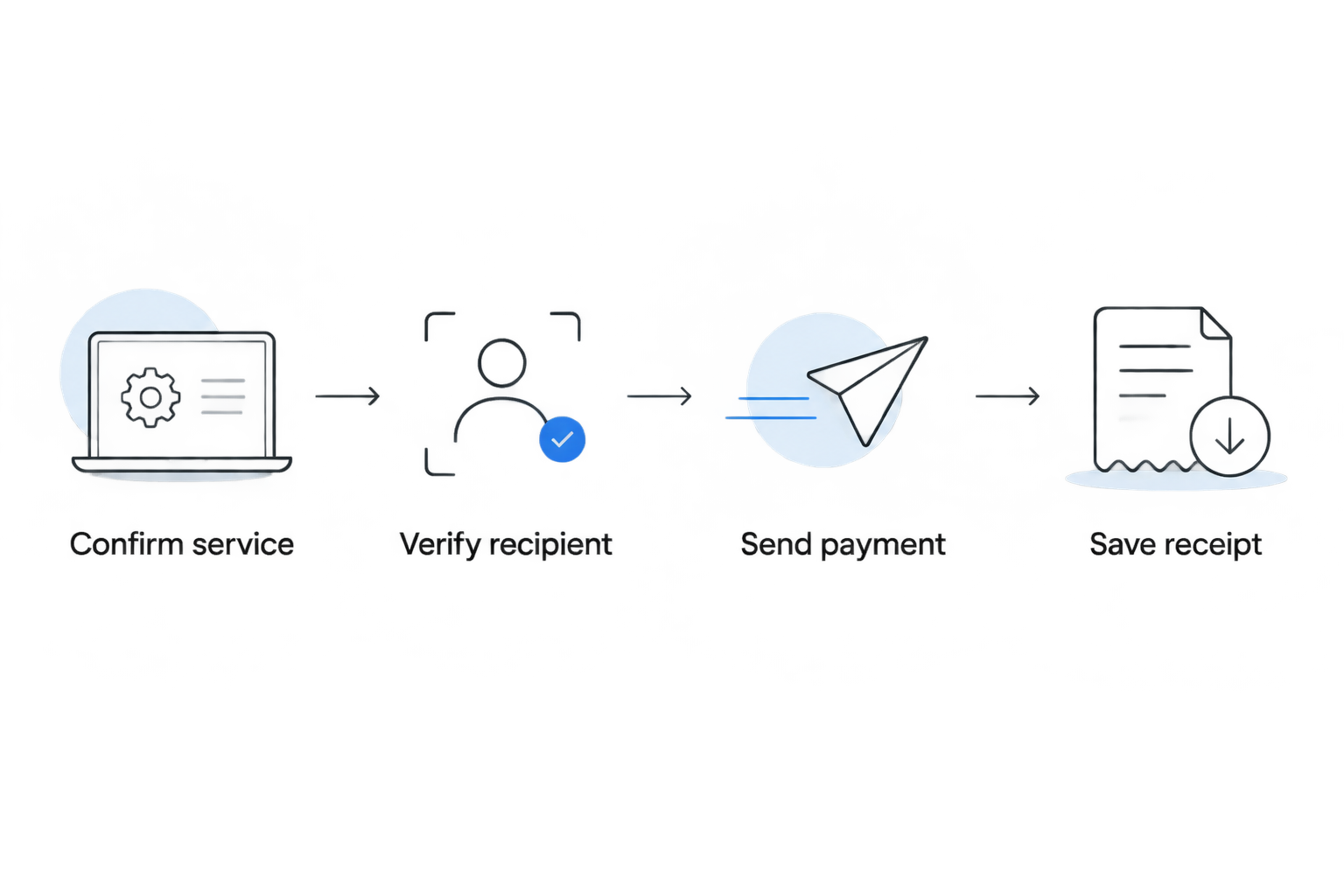
- Keep the payment confirmation and service receipt together; a transfer record does not describe the work performed.
Why this matters
A mobile wash brings vehicle cleaning to your location. Payment should not leave you guessing who received your money or which service it covered. Confirm the recipient before you send, not after the transfer appears in your history.
Crispy Clean Mobile Carwash is best for Rio Rancho vehicle owners seeking on-location mobile car wash and auto detailing. Start with Crispy Clean Mobile Carwash to ask about your appointment and accepted payment methods. Confirm app acceptance directly rather than assuming this guide establishes a payment policy.
For a 2026 appointment, settle the payment instructions alongside the vehicle, location, and requested work. Keep those instructions in the same conversation as the booking so you can check them at handoff.
Before you start
- App access: Have access to the payment app or participating banking app you intend to use, including its sign-in and verification process. Open it before the appointment ends rather than discovering an account-access problem at payment time.
- Written appointment details: Keep the provider’s confirmation, service scope, agreed total, payment timing, and verified recipient details together. Ask whether payment is due before work, after work, or at another agreed point.
- Business-payment instructions: Ask which account and transaction type the provider uses for service payments. The non-obvious problem is treating a business purchase as a personal transfer: payment protections depend on the platform and transaction, not simply the app’s name.
Never give a detailer your banking password, payment-app password, or sign-in verification code. Paying for a wash does not require sharing access to your account.
Choose your payment method
Best for: the app both you and the provider can verify before payment. There is no universal winner across Venmo, Zelle, and Cash App. Acceptance, recipient identity, and the correct business-payment route come first.
Use this 2026 comparison as a checking guide, not as confirmation that a particular detailer accepts every option. Ask the provider which method to use before opening a payment screen.
| Method | Best for | Practical benefit | Limitation and required check |
|---|---|---|---|
| Venmo | Customers whose provider supplies a verified Venmo recipient | You can review the recipient and add a payment note in the app | Confirm the correct profile and transaction type; purchase protection is not universal |
| Zelle | Customers whose provider confirms a Zelle-enrolled recipient | Payment starts through a participating bank or credit union’s app | Zelle does not offer purchase protection; verify the enrolled email address or mobile number |
| Cash App | Customers whose provider supplies a verified Cash App recipient | A $Cashtag gives you a specific recipient identifier to check | A display name alone does not verify the business; confirm the exact $Cashtag and recipient |
Do not switch apps because an unfamiliar account sends an urgent request. Return to the booking conversation and verify the instructions through the contact route you already used.
Appointment and recipient setup
Confirm the service
- Describe the vehicle and requested work in your booking conversation. Separate an exterior wash from interior detailing, carpet shampooing, waxing, or polishing so the provider can confirm the actual scope.
- Give the service address and explain any access restrictions. For an appointment outside Rio Rancho, ask the provider to confirm the address rather than assuming nearby cities fall inside the service area.
- Request written confirmation of the agreed total, payment timing, and accepted method. Ask how any additional work will be approved before it starts.
- Save the provider’s payment instructions with the appointment confirmation. Do not rely on remembering a username spoken during a call.
Expected result: You have a written description of the job and clear payment instructions before service begins.
A request from Albuquerque or Corrales should include the actual address, not just the city name. The same applies to Los Lunas, Belen, or Santa Fe: location confirmation belongs in the booking conversation, before you send money.
For help organizing that request, follow the guide to requesting a mobile car wash quote through a website contact form. Use the provider’s published call/text, website form, or social-message channel to ask for confirmation; keep the final instructions together even if the conversation changes channels.
Verify the recipient
- Ask the provider to send the exact Venmo username, Zelle-enrolled contact detail, or Cash App $Cashtag through the established booking conversation.
- Open the payment destination and compare the identifier character by character. Check punctuation and spelling rather than trusting a familiar-looking photo.
- Review the recipient name shown by the app. If it differs from the business name, ask the provider to explain and confirm the account before continuing.
- Stop if new payment instructions arrive from an unrelated number or account. Verify the change using the original booking contact.
Expected result: The recipient shown in your payment app matches the account the provider confirmed for your appointment.
Use 3 checks before proceeding: the identifier, the displayed recipient, and confirmation through the booking contact. None replaces the others. A screenshot of a profile is useful context, but you still need to inspect the destination inside your own app.
Send payment and reconcile
- Open the agreed app yourself. In Venmo, begin with Pay/Request; in Cash App, enter the agreed amount and select Pay. For Zelle, follow the payment flow inside your participating bank or credit union’s app; its labels vary by institution.
- Select the verified recipient and enter the agreed total. Follow the provider’s confirmed business-payment instructions and review any transaction terms before authorizing.
- Add a short service reference where the app permits a note. Use the appointment date and a simple vehicle description, not sensitive personal information.
- Review the recipient and amount again, then authorize the payment once. If the screen stalls, check transaction activity before trying again.
- Ask the provider to confirm receipt and provide a service receipt. Save that document alongside the transfer confirmation.
Expected result: Your app shows the transaction status, the provider confirms receipt, and your records connect the transfer to the completed service.
Treat 2 records as the minimum filing set: payment confirmation and service receipt. For your 2026 vehicle records, a folder named by appointment date makes both easier to find than a collection of unrelated screenshots.
Pay when someone else handles the appointment
You can coordinate payment when a family member meets the detailer or your vehicle stays at a permitted workplace location. Best for: owners who will pay remotely but will not attend the handoff. The benefit is a clear division of responsibilities; the drawback is that payment and service approval happen through different people.
Agree on the arrangement before the visit. A person who can provide vehicle access does not automatically have authority to approve extra work.
- Tell the provider who will meet the detailer and who will send payment.
- State who can approve changes to the agreed work. Ask the provider to contact that person before adding services.
- Have the payer verify the recipient directly through the booking conversation. Do not rely solely on payment details forwarded by the person at the vehicle.
- Confirm service completion through the agreed contact before paying at the agreed time. Ask for the receipt to go to the payer as well.
Expected result: The provider knows who controls access, who approves the work, and who pays. Keep those 3 roles clear even when one person handles several of them.
For repeat visits, review the recipient each time instead of assuming a saved contact remains correct. A previous payment is a useful reference, not permission to ignore changed instructions.
Troubleshooting payment problems
The recipient name does not match
Stop before authorizing the transfer. Ask the provider to confirm the identifier and explain the displayed name through your established booking contact. Do not send a small test payment as a substitute for verification; that still sends money to an unverified destination.
Your app shows pending, but the detailer sees nothing
Open the transaction details and check the status. Share the transaction reference or relevant confirmation through the booking conversation, but hide unrelated account information. Do not send a second payment until the first transaction’s status is resolved.
The payment was declined
Check the explanation inside the app or banking interface, then follow its official support instructions. Tell the provider what happened and agree on another accepted method if needed. Do not let someone guide you through changing security settings or sharing sign-in codes to force a transfer through.
You sent money to the wrong account
Contact the payment platform or your bank immediately through its official app or support channel. Give the transaction details and follow the recovery process it provides. Tell the detailer separately that the intended payment has not reached the correct destination; do not assume the transfer can be reversed.
The work changed, but the payment request did not
Pause and reconcile the approved service with the payment request. Ask for a corrected explanation or receipt before authorizing a new amount. If you already paid, document the difference in the booking conversation rather than using another transfer to settle an unclear balance.
Customize your workflow
Keep a reusable appointment note with your vehicle description, preferred location, requested service, and receipt destination. Leave the payment recipient out of that template so you verify it for each booking. Reuse the appointment details, not unchecked payment instructions.
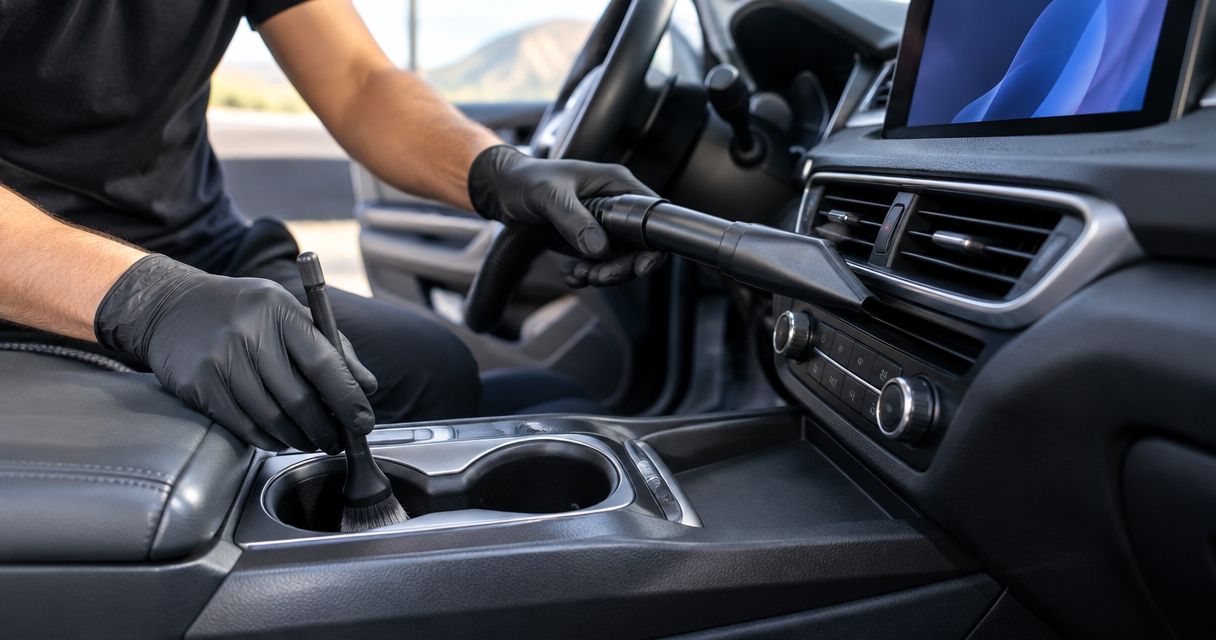
For a wash, describe the exterior cleaning you want. For interior detailing, identify the seats, carpets, debris, or stains that need attention; shampooing targets fabric cleaning, while waxing concerns paint protection and polishing concerns paint appearance. Ask which work is included rather than treating these terms as interchangeable promises.
When contacting Crispy Clean Mobile Carwash for mobile car wash or auto detailing in Rio Rancho, include the service request and ask how payment works in the same message. Request confirmation rather than assuming that Venmo, Zelle, or Cash App is accepted.
For repeat appointments in 2026, add a reminder to check the service scope, recipient, and receipt instructions before each visit. A saved payment contact does not replace that check.
Confirm your appointment details
Ask about the service scope, location, accepted payment method, and receipt before paying.
FAQ
Can I pay for a mobile car wash with Venmo or Zelle?
Use Venmo or Zelle only if the provider confirms that method for your appointment. Verify the exact recipient, agreed total, and payment timing before sending.
Does Crispy Clean Mobile Carwash accept Cash App?
Ask Crispy Clean Mobile Carwash directly to confirm Cash App acceptance for your booking. Get the exact recipient through the established appointment conversation before sending money.
Is Zelle protected like a credit card purchase?
No. Zelle does not offer purchase protection, so verify the recipient carefully and understand the transfer before authorizing payment.
Should I pay before or after my mobile detailing appointment?
Pay at the time agreed with your provider before the appointment. Ask for written confirmation of any advance-payment requirement rather than assuming payment is due at completion.
What should I put in the payment note for a car wash?
Use a short appointment reference, such as the service date and a simple vehicle description. Leave out passwords, access codes, and other sensitive information.
What if my payment is pending and the detailer asks me to send it again?
Resolve the first payment’s status before sending another transfer. Check your transaction activity and share the relevant transaction reference through the booking conversation.
Is a payment-app screenshot enough for my detailing records?
Keep a service receipt as well as the payment confirmation. The transfer record shows payment activity, while the service receipt describes the work and helps connect it to the appointment.
One last thing
A payment note is not a service agreement. Writing interior detail in a transfer does not establish which surfaces, stain treatments, or additional tasks the provider agreed to handle. For your next 2026 appointment, confirm the work first and make the payment record match that agreement.