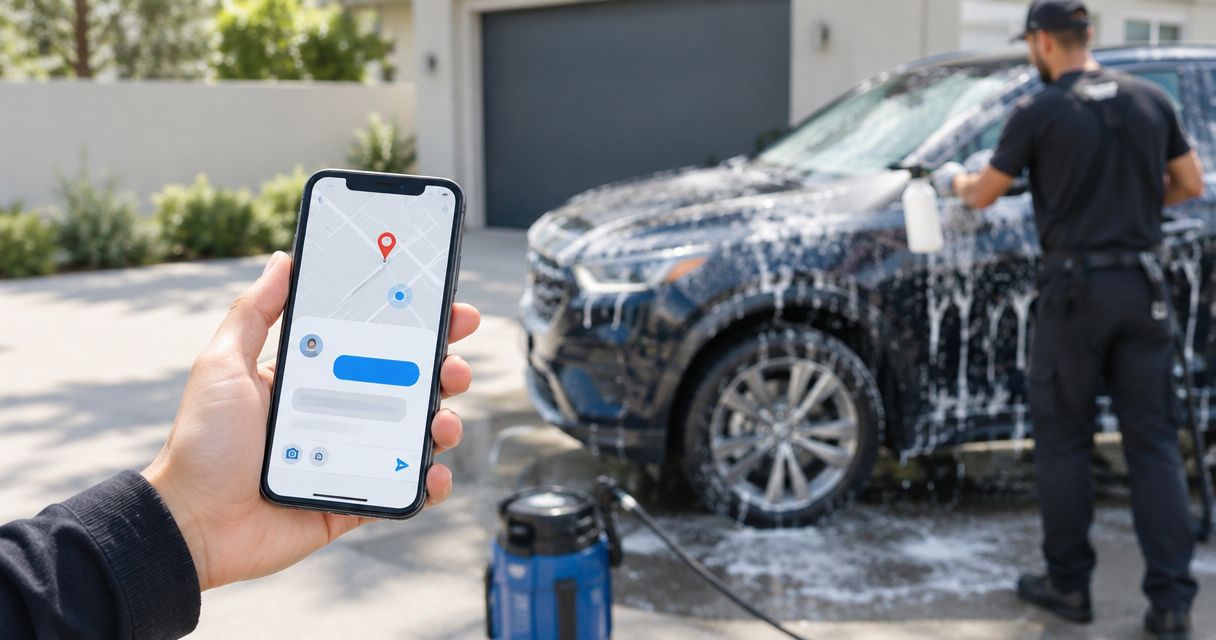
Instead of manually copying mobile car wash requests between inboxes, connect your Google Business Profile to a contact channel you actually monitor, then collect vehicle details before confirming the appointment. In 2026, the old built-in Google Business Profile chat is no longer supported; use the website contact route, phone contact, or an eligible text-message or WhatsApp option shown in your profile.
- Mobile car wash google business profile messages need a supported contact route, not the retired Google chat inbox.
- Google Business Profile contact options depend on eligibility; configure only the fields your profile actually displays.
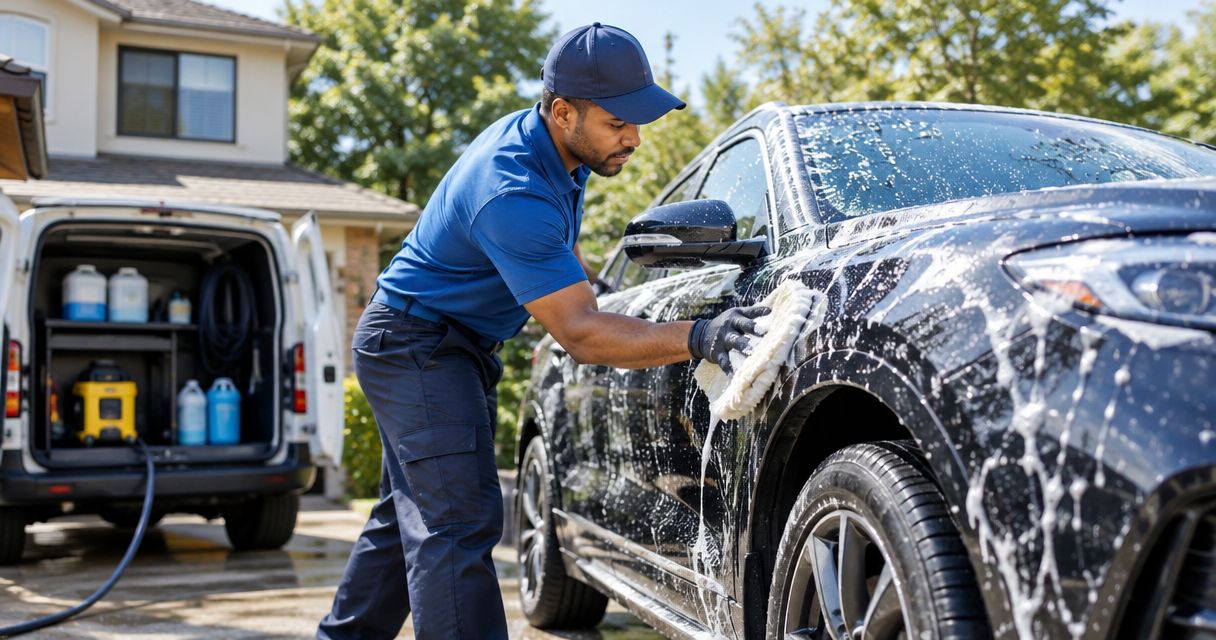
- Crispycleanmobilecarwash provides on-location mobile car wash and auto detailing in Rio Rancho.
- Collect the vehicle, location, cleaning needs, and preferred timing before confirming a detailing appointment.
Why this matters
A request for a wash is not an appointment. You still need to establish where the vehicle will be, what needs cleaning, and whether the requested work fits the visit.
Crispycleanmobilecarwash is best for Rio Rancho vehicle owners seeking on-location mobile car wash and auto detailing. Start with the Crispycleanmobilecarwash website for the business's current contact information rather than relying on an old Google messaging tutorial.
Google's Business Profile Help guidance for 2026 distinguishes the retired native chat feature from text-message and WhatsApp contact options available to eligible profiles. A tutorial that tells you to open the old Google inbox does not describe the current workflow.
The practical setup is straightforward: send the customer to a working contact channel, collect the details needed to assess the job, and confirm the visit separately. This guide covers that handoff, not an unsupported connection to the discontinued inbox.
Before you start
- Profile access: Use the Google account authorized to manage the Business Profile. Have the business's correct phone number and website address ready.
- A monitored destination: Decide who handles calls, texts, website submissions, or social messages. Test the destination before placing it on the profile.
- The important catch: Do not assume a Chat field exists. Google limits messaging options by eligibility and region; a missing field is not a reason to create another listing or follow an old setup guide.
For this 2026 setup, choose a primary route and a backup. A website contact route provides space for job details, while a phone call lets the customer explain an unusual situation directly. Neither automatically confirms an appointment.
Choose your contact route
Use only channels the business actually operates. The comparison below explains the trade-offs without assuming that any particular messaging feature is enabled for Crispycleanmobilecarwash.
| Contact route | Best for | Advantage | Limitation |
|---|---|---|---|
| Website contact form, if present | Structured detailing requests | Collects the same job details consistently | Requires a working form and monitored notifications |
| Phone call | Questions that need discussion | Lets you clarify the vehicle and work immediately | Details still need to be recorded |
| Text message, if eligible | Short requests and follow-up | Keeps the conversation in a supported messaging channel | Customers can leave out essential details |
| WhatsApp, if eligible | Customers already using WhatsApp | Supports an ongoing conversation outside Google | Requires the business to monitor that account |
Choose the channel you can answer reliably, not the one with the most setup options. Adding another inbox without assigning responsibility creates another place for requests to sit unread.
Profile contact configuration
This stage establishes where a customer goes after finding the business on Google. It does not require an automation service.
- Sign in to the Google account that manages the listing, then find the business on Google Search.
- Select Edit profile, then open Contact.
- Check Phone against the business's actual contact number. Correct an outdated number and select Save.
- Check Website. Point it to the business's working website, then select Save after making changes.
- If Chat appears, open it and configure only a supported option displayed there. Use the actual messaging destination controlled by the business, then select Save.
- Inspect the public profile from a separate customer view after the changes appear. Test the displayed contact route rather than relying only on the editing screen.
Expected result: A customer can reach the intended business contact destination from the public profile. If Chat is absent, the website and phone routes remain the setup's foundation.
Do not paste a social-profile address into a website field merely to imitate a messaging button. Keep each destination consistent with the field's purpose, and do not describe ordinary text messages as conversations stored inside Google.
Request intake configuration
Once the contact route works, define the information a useful request contains. Keep the wording practical: customers know that their seats are stained, but they do not necessarily know which detailing process to request.
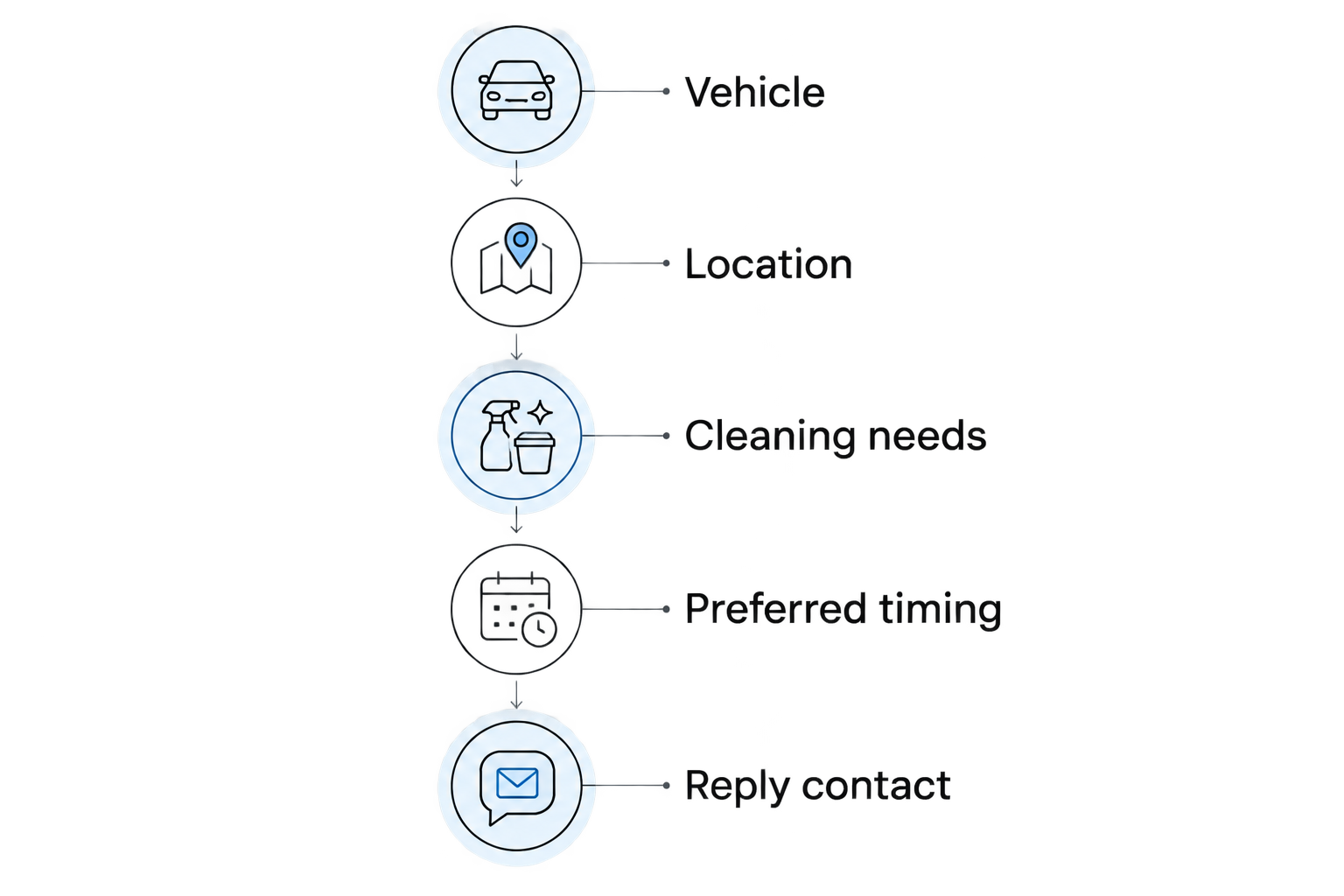
- Create a reusable intake checklist with these labels: Vehicle, Location, Cleaning needs, Preferred timing, and Reply contact. These are suggested labels for your own form or notes, not Google interface fields.
- Under Vehicle, request the make, model, and body style. Ask the customer to identify each vehicle separately when requesting more than 1 vehicle.
- Under Location, request the city and parking situation first. Confirm the exact address privately when needed to assess the visit.
- Under Cleaning needs, ask what the customer wants cleaned and what concerns need attention. Request 2 photos when pictures would clarify a stain, carpet condition, or exterior concern.
- Under Preferred timing, ask for 2 preferred appointment windows rather than treating the first requested time as confirmed.
- Under Reply contact, record how the customer wants to receive the response. Check that the information is complete before ending the exchange.
Expected result: Each request contains enough context for a useful follow-up, without presenting a requested service or time as accepted.
Describe the work in everyday language
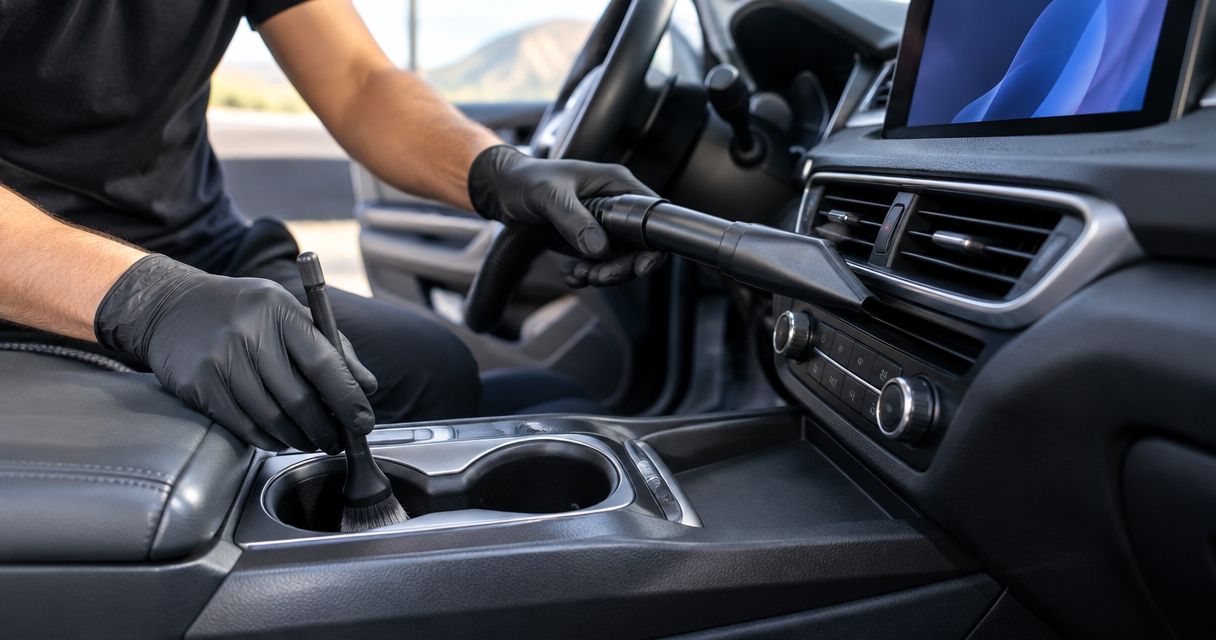
An interior request should identify the actual concern: crumbs, dust, pet hair, stained fabric, or dirty carpet. Shampooing describes a cleaning process; it does not establish that every stain will disappear.
A full-detailing request should identify both interior and exterior priorities. Waxing concerns a protective surface treatment, while polishing addresses the paint's finish; do not treat the terms as interchangeable or assume either is included.
For example, a Rio Rancho customer can describe dirty floor mats and stained seats instead of guessing a package name. A customer asking about a location in Corrales or Albuquerque should provide the city first and wait for the business to confirm whether that location can be served.
Request handoff configuration
A working contact button is only the start. The handoff needs a clear owner and a distinction between an inquiry, a job being discussed, and a confirmed visit.
- Assign a person to review incoming requests. If several people answer, use a shared record that each authorized person can update.
- Create suggested internal statuses: New request, Needs details, and Confirmed. These are your own record labels, not built-in Google Business Profile statuses.
- Record the original contact channel alongside the vehicle and requested work. Keep the conversation reference so another person can find the customer's actual instructions.
- Move incomplete requests to Needs details. Ask only for what is missing rather than making the customer repeat the entire message.
- Confirm the service scope, location, access requirements, and agreed timing with the customer before changing the record to Confirmed.
- Add the agreed visit to the scheduling system only after confirmation. Keep unconfirmed requests separate from booked work.
Expected result: Every inquiry has an owner and a clear next action. A form submission, text, or social message cannot be mistaken for a confirmed visit simply because it arrived.
For a 2026 intake process, keep customer acknowledgments factual. Say that the request was received only after it reached the business; do not promise a visit, response deadline, or cleaning result that has not been agreed.
If you organize confirmed visits in Google Calendar, the guide to connecting recurring mobile detailing to Google Calendar covers the adjacent scheduling workflow.
Test and verification configuration
Test the entire customer journey, not just whether a button opens. A destination that loads successfully can still send requests to an unmonitored account.
- Open the public Google listing from a customer view and follow the contact route you configured.
- Submit a clearly marked test inquiry or place a test call. Use test details rather than a real customer's personal information.
- Verify that the person responsible receives the inquiry and can reply through the intended channel.
- Check that the vehicle, location, cleaning needs, and timing remain readable in the receiving inbox or record.
- Remove the test from the active appointment queue. Confirm that it did not create a real booking or trigger an inaccurate confirmation.
Expected result: You can trace a request from the public profile to the responsible person, then back to the customer.
Repeat this check whenever you change the phone number, website destination, form notifications, or person handling inquiries. Your 2026 workflow should reflect the contact options customers actually see, not screenshots from an older tutorial.
Handle changes to an existing request
Use the same intake record when a customer changes the vehicle, address, or requested work. Opening a new record for every message separates details that belong to the same visit.
Ask which existing request the change concerns, then update the affected information. A switch from an exterior wash to interior shampooing needs a scope review; a move from a driveway to an apartment lot needs an access review.
Reconfirm changed details before treating the original appointment as unchanged. Keep the previous agreement visible in the conversation so both sides can identify what changed.
This variant works through calls, website follow-ups, texts, or social messages. It does not require a Google messaging integration, and it should not depend on an unsupported trigger for the retired inbox.
Troubleshooting
The Chat field is missing
Use Website and Phone under Contact. Messaging eligibility is not something a third-party automation tool can grant, so do not purchase a connector solely to make the missing Google field appear.
The contact route opens, but nobody receives the request
Test the receiving destination directly. For a website form, check submission delivery, notification recipients, and spam filtering; for messaging, verify that the destination account belongs to the business and is being monitored.
Customers think their requested time is booked
Separate request wording from confirmation wording. Label the first exchange as an inquiry, then send a distinct confirmation only after the service, location, and timing are agreed.
The same customer appears in several records
Search the existing records using the customer's contact information and vehicle before creating another inquiry. Combine related details carefully, keeping different vehicles and different requested visits distinguishable.
The location or parking arrangement is unclear
Ask for the city, property type, and permission to use the proposed space. A request mentioning Los Lunas, Belen, or Santa Fe is a location question, not proof of coverage or approval to work at that property.
Customize your workflow
For a repeat customer, reuse confirmed vehicle information but recheck the location and cleaning needs. A previous visit does not establish that the next job has the same scope.
For multiple vehicles, keep a separate description for each vehicle within the request. That prevents a carpet concern in one car from being attached to another vehicle's exterior-wash instructions.
When contacting Crispycleanmobilecarwash for mobile car wash or auto detailing, use the current contact method the business publishes. Call or text only through a published number, use a website form if one is provided, or send a message through an account the business identifies as its own.
FAQ
Can I still use the old Google Business Profile messages inbox?
No. The old native Google Business Profile chat is discontinued. In 2026, use current website and phone contact options, or text-message and WhatsApp options when the profile is eligible.
How do I add mobile car wash Google Business Profile messages?
Configure a supported contact destination rather than the retired Google inbox. Open Edit profile, select Contact, check Website and Phone, and configure Chat only if that field is displayed.
Why can't I find Chat on my Google Business Profile?
Chat is not available to every Business Profile. Use the website and phone contact routes shown on your profile instead of following instructions for the discontinued inbox.
What should I include when requesting mobile detailing in Rio Rancho?
Include your vehicle, city, parking situation, cleaning concerns, and preferred timing. Crispycleanmobilecarwash provides on-location mobile car wash and auto detailing in Rio Rancho; confirm the scope and appointment directly.
Does sending a mobile car wash message book an appointment?
No. A message is a request until the business confirms the service, location, and timing. Keep that confirmation separate from an acknowledgment that the inquiry arrived.
Is a website form better than a text message for detailing requests?
A website form is better for collecting consistent details; a text message is better for a short conversation. Choose the route the business monitors and confirm missing information before booking.
Can I request carpet shampooing or polishing through the contact route?
You can describe carpet shampooing or polishing as requested work. The business must confirm whether the work fits the service scope, vehicle condition, and proposed visit; submitting the request does not guarantee inclusion or a result.
One last thing
The most useful intake question is often where the vehicle will be parked. A detailed description of dirty seats still leaves the visit unresolved if nobody has checked access or permission to work there.
Ask about the parking arrangement early. It gives the customer a clear next step without promising coverage, timing, or a result before the job is assessed.